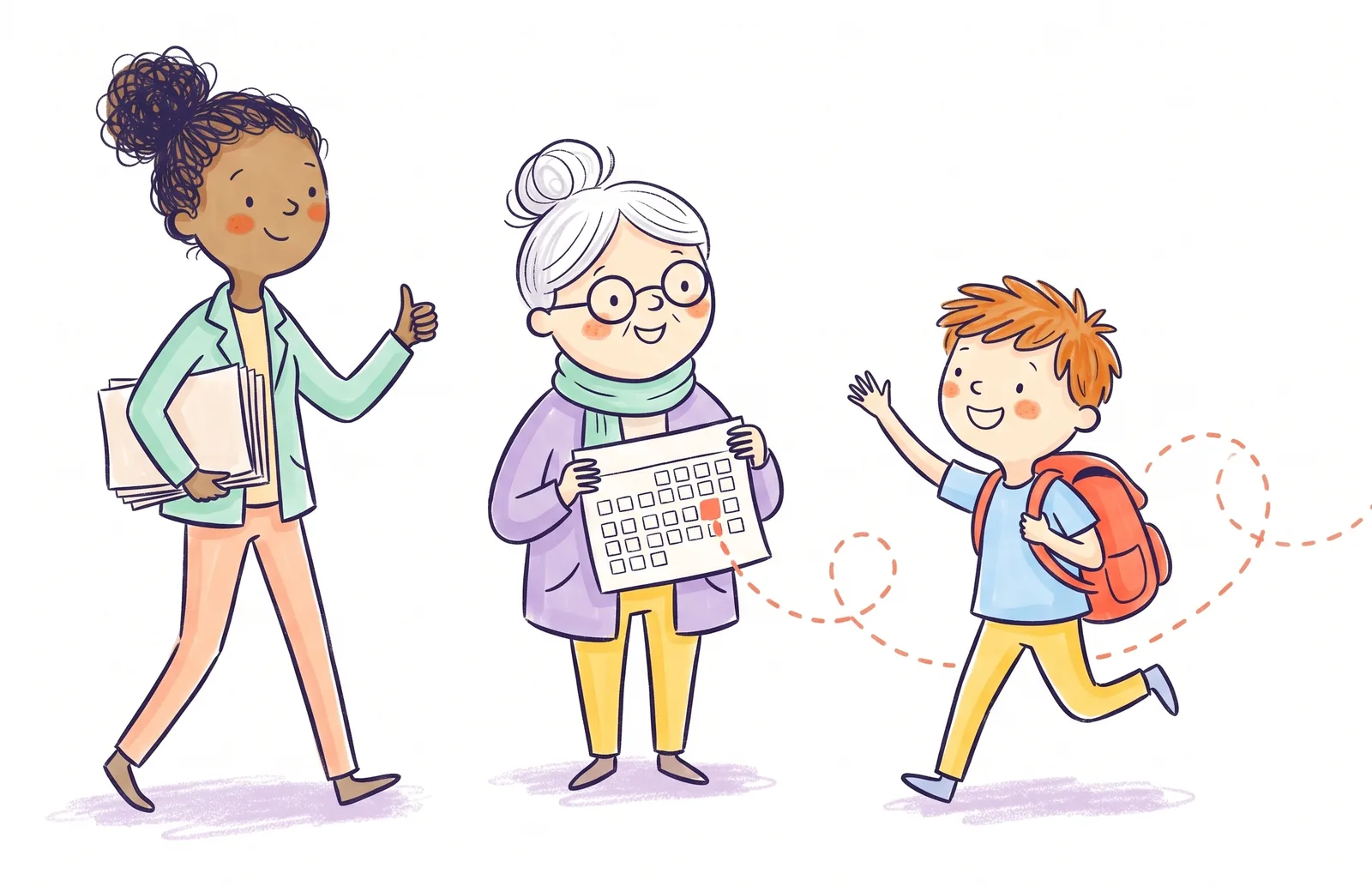
You've started with a new family, and instead of a stream of texts about Tuesday and Thursday, they've invited you into Kid Pickup. Say you're Lucía, doing after-school for the Parkers. Each pickup that's yours has your name on it, each one Maya wants you for arrives as a question you can answer with a tap, and you don't have to wonder whether she saw your reply.
This is a short guide for sitters and nannies on how that works from your end. It assumes you've already joined; if not, what to expect when you're invited covers that, including joining from a browser if you don't have an iPhone. You need to be 18 or older to have an account.
What's in the app for you
You'll see the pickups nobody has taken yet, the ones you're doing, and the ones a parent has asked you to do. An event with no ride, like the kids' dentist appointment, shows up only if the family has named you on it.
For each child on those pickups you'll see a first name, a colour and an avatar, and the family's emergency contacts are in there too. You won't see the rest of the family's week, the children's notes, the parents' work hours or anyone else's phone number. Adding and changing pickups is left to the parents.
So the practical things, like allergies, bedtime and who's allowed to collect the kids, still come from the parents directly. If they haven't given you a sheet, it's fair to ask for one. The babysitter information sheet is the kind of thing that helps, and parents can fill in the printable version in a couple of minutes.
What the family sees when you tap
Everything you do on a pickup tells the family, so you don't have to send a separate text.
| When you tap | The family gets |
|---|---|
| I'll do it or Accept | A notification that it's covered, with your name on it |
| Can't make it or Decline | A notification that you can't, so they can ask someone else |
| I'm here | A notification that you've arrived, and where |
| Picked up or Dropped off | A notification that the kids are with you, and the time shows on the pickup |
| Ask someone else to take this | A notification that it needs someone; anyone you named is asked directly |
When a parent asks you by name, the pickup shows Pending claim with your name until you answer, so the family knows they're waiting on you. A quick yes or no, even a no, helps more than a late yes.
The app never asks for your location. The family knows you've arrived because you tapped I'm here, and that's all they know.
When plans change
Before you've said yes, just tap Can't make it. The family is told and the pickup stays open.
After you've said yes, open the pickup and tap Ask someone else to take this. You can pick one person or ask everyone. If you'd rather just hand it back, tap Cancel My Assignment. Either way, the family hears that it needs someone, and the app keeps nudging the parents until somebody takes it. Do it as early as you can; a pickup handed back the night before is easy to fill, and one handed back at 2:55 isn't.
If the family changes a pickup you're doing, say it moves from 3:15 to 2:45, you get a notification of your own saying what changed and asking whether it still works. If it doesn't, hand it back the same way.
If you're running late or stuck, text or call the parents. The app is good for who's doing what; for "the bus broke down", a phone call is still faster.
Talking to the family
The Chat tab has the family chat, which everyone in the family can read, and New conversation for a private one with a parent. It's a good place for the small stuff: "Ava left her water bottle at school", "Leo's got a loose tooth". Chat notifications have their own switch in Settings, under Choose Notifications, if you want to keep them quiet while you're driving or on with the kids.
Notifications that suit a sitter
Open Settings from your picture at the top left and tap Choose Notifications. Under Which pickups do you want to hear about?, sitters start on Mine, and when someone's needed. If you only want to hear about the pickups that are yours, choose Only mine. If you look after a few families and like to pick up extra shifts, Everything keeps you in the loop.
Every pickup you take also gets a reminder before it, and at 7 p.m. you'll get one notification listing tomorrow's pickups, with yours marked "you".
First week checklist
- Make sure the school has you on its pickup list, and carry photo ID. The office won't release a child to someone it doesn't have on file. Parents can read how a new sitter's first day goes for the rest of the first afternoon.
- Ask where the car seats or boosters are, if you're driving.
- Save the parents' numbers in your phone, even though the app has the emergency contacts.
- Tap I'm here and Picked up on your first few pickups even if a parent is standing next to you. It gets the habit going, and the parent who's at work hears without having to ask.
If you share the job with a grandparent, how grandparents fit into the school run and the backup grandparent show how families usually split it.
FAQ
What can a babysitter see in Kid Pickup?
Pickups nobody has taken yet, the ones the sitter is doing, and ones they've been asked to do, plus the first name, colour and avatar of each child on them and the family's emergency contacts. Sitters don't see the children's notes, the parents' work hours or other people's phone numbers, and they can't change the schedule.
How do I hand back a pickup I said I'd do?
Open the pickup and tap Ask someone else to take this to choose a person or ask everyone, or tap Cancel My Assignment to hand it back. The family is told it needs someone and the app keeps reminding the parents until it's taken.
Does the family get a message when I pick up the kids?
Yes, when you tap I'm here on arrival and Picked up once the children are with you. Each tap sends the family a notification, and the time shows on the pickup.
Does Kid Pickup track a sitter's location?
No. The app never asks for anyone's location. The family only knows what you tell them by tapping I'm here or Picked up.
Do I need my own account?
Yes, to join the family, and you need to be 18 or older. If a parent only needs you for one pickup, they can text you a link to it instead, which needs no account.