
Just you, and everyone who helps.
Your mom, your best friend, the neighbor who’s home at 3. One calendar, and a name on every pickup.

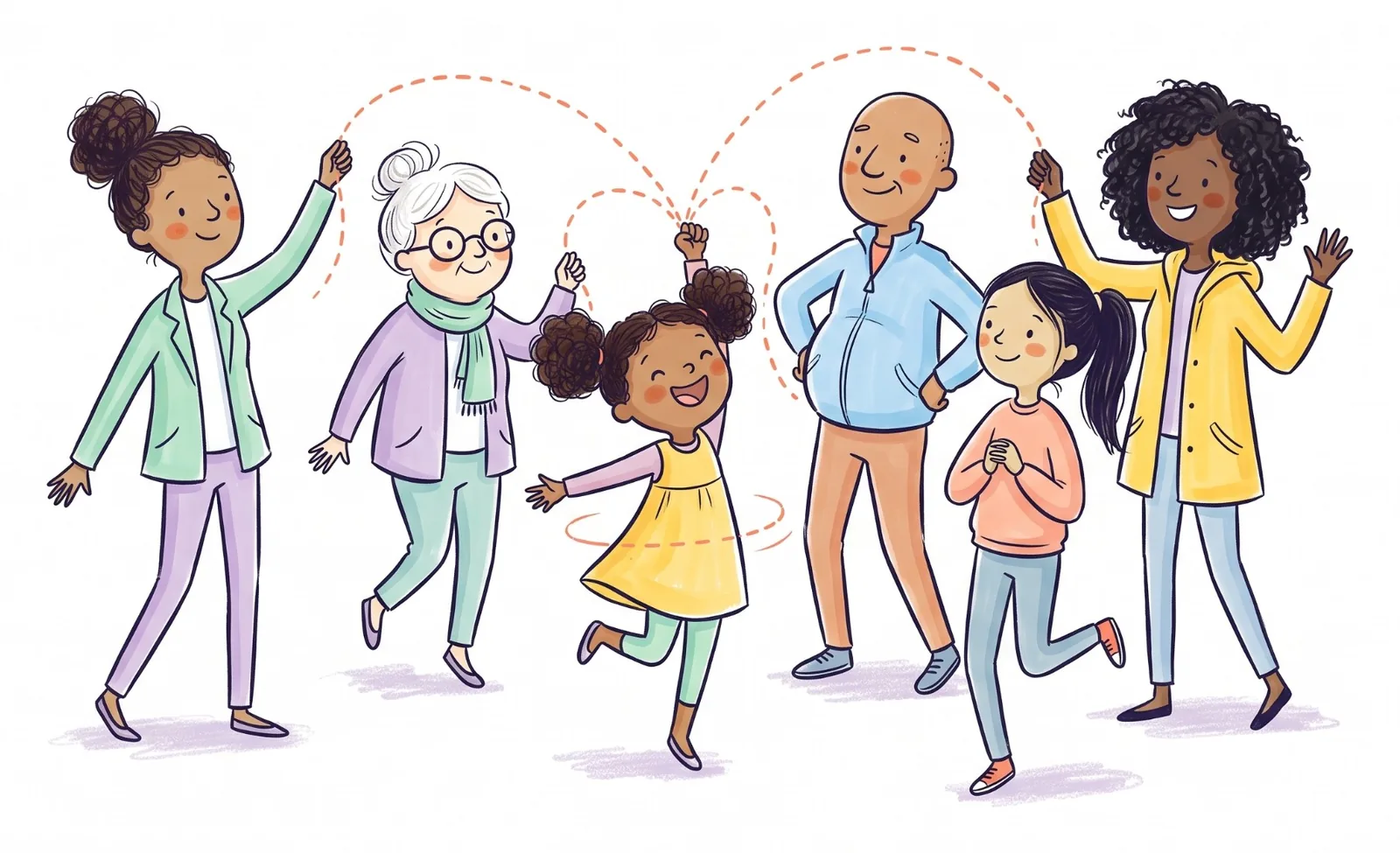
When you’re the only parent, there’s no “I thought you had it.” There’s you, and the favours you ask in four different text threads.
Asking isn’t the hard part. Keeping track of who said yes to which day is, and noticing in time when nobody did. That usually lands at 2:45 on a work day.
Your whole circle in one place
Invite them as a grandparent, friend, neighbor or sitter. They don’t pay, and each person gets their own account.
They say yes with one tap
I’ll do it, from the notification or the pickup, for one day or every Wednesday. If they can’t, Can’t make it sends you a notification.
A nudge when nobody has it
You’re the one the app watches out for. A pickup still open gets you a notification the day before, three hours out and again at two.
Request Help for the bad days
Stuck at work or home with a sick kid? One request puts an urgent pickup on the calendar and sends everyone a “Can you help?” with your note.
Work hours, flagged
Add your shifts. A pickup that lands in them, with nobody on it yet, says so, and one tap asks your circle.
Everyone has the numbers
Emergency contacts are visible to everyone you invite, so whoever is at the gate has them.
Grandparents see the whole calendar. Friends, neighbors and sitters see only the open pickups and their own, plus the kids on those. You can change that for anyone from their profile.
Posted. Claimed. Done.
Three steps, and a name on every pickup.
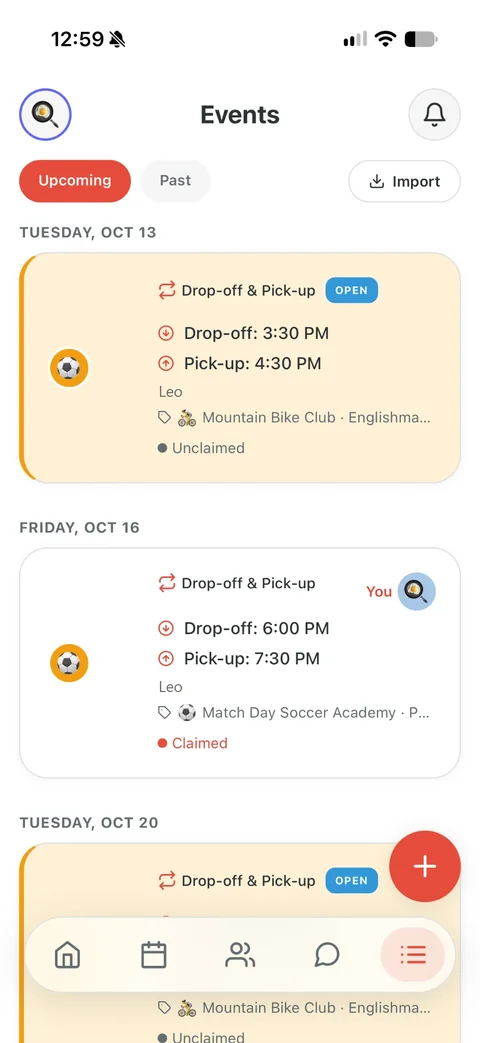

Posted
Add the pickup: which kid, when, where. Everyone in your circle gets a notification and sees it on the calendar, marked open.
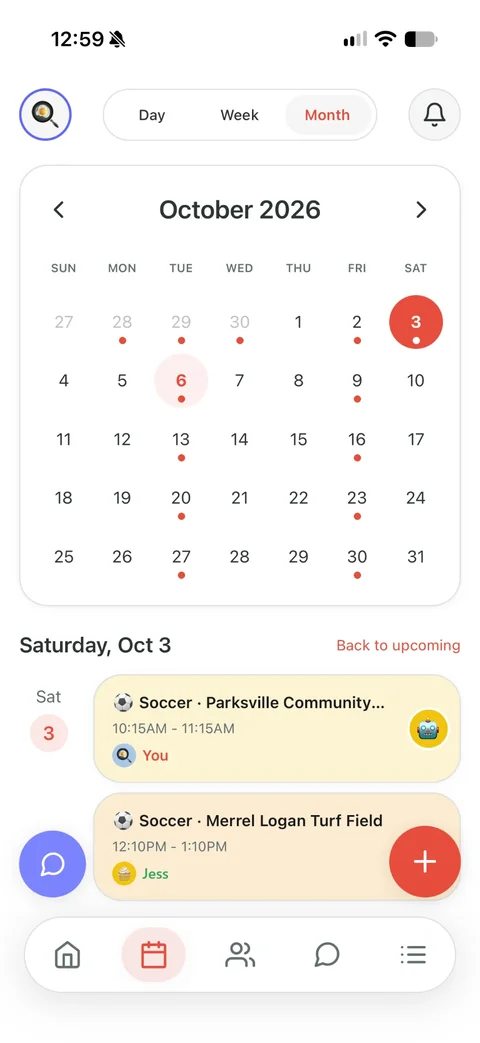

Claimed
Grandma taps I’ll do it. Now it has her name on it, and you and the other parents get a notification that it’s covered.
- 4:00nowPickup in 30 minutesLeo at 4:30 PM, Riverside Pool.ThuNeeds someoneNobody has the drop-off for Mia on Fri, Oct 3 at 8:15 AM yet.
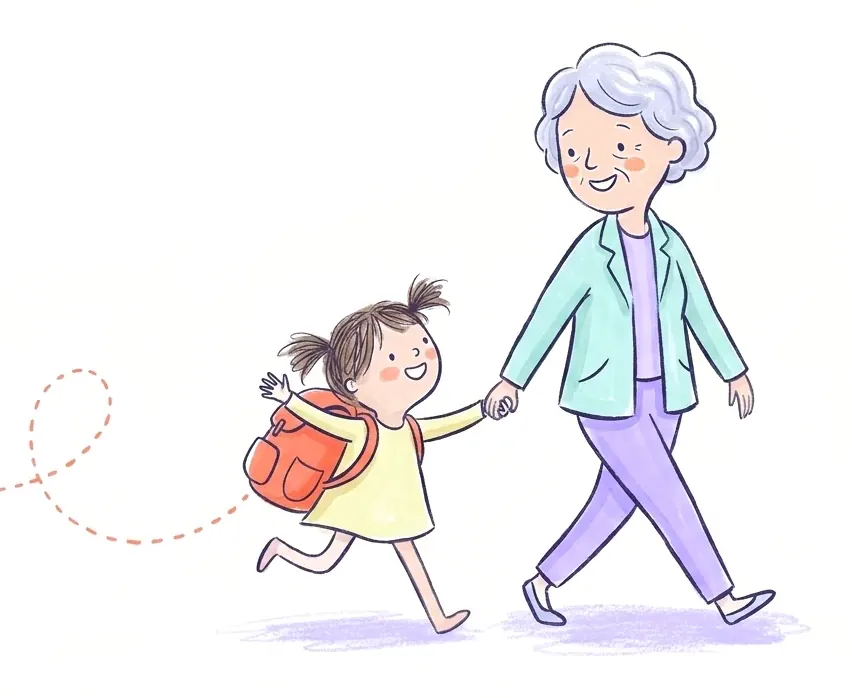
Reminded and done
Grandma gets a reminder before she leaves. And while nobody has claimed it, the app sends the parents a nudge the day before, three hours out and two hours out.
Questions parents ask
Is Kid Pickup good for single parents?
It’s built for exactly the part that’s hardest alone: getting other people to cover pickups and knowing for sure they have. You set up the family, invite the people who help, and each pickup gets one name.
Do the people who help me have to pay?
No. One subscription covers your family. Grandparents, friends, neighbors and sitters join free, up to your plan’s limits.
How many people can I add?
Family covers up to two children, three helpers and one other parent or guardian, like a sister who shares the week with you. Premium covers unlimited children and up to eight parents, guardians and helpers.
What about my kids’ other parent?
Kid Pickup works without them. Invite them as a parent only if that helps you. If not, nothing breaks.
What if someone in my circle doesn’t have an iPhone?
Kid Pickup is on iPhone for now. Android is on the way.
One price for your whole circle. See plans and pricing
Weighing up apps? Kid Pickup vs Cozi
Worth reading: How to build your family support network
Worth reading: Who can pick up my child from school?
Also for: Two-parent households · Separated and blended families · Families who lean on grandparents · Daycare families · Families whose school uses a dismissal app