
A name on every pickup. Every activity on one calendar.
Kid Pickup is the family calendar for iPhone where each pickup gets one person: you, Grandma or the sitter. If one’s still open, the app sends a nudge in time to sort it out.

Posted. Claimed. Done.
Three steps, and a name on every pickup.
Posted
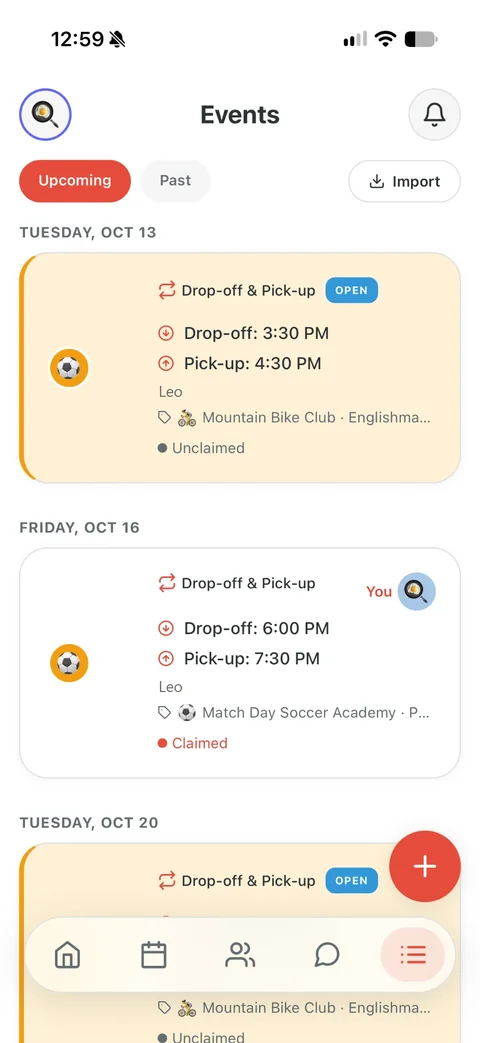
Add the pickup: which kid, when, where. Everyone in your circle gets a notification and sees it on the calendar, marked open.

Claimed
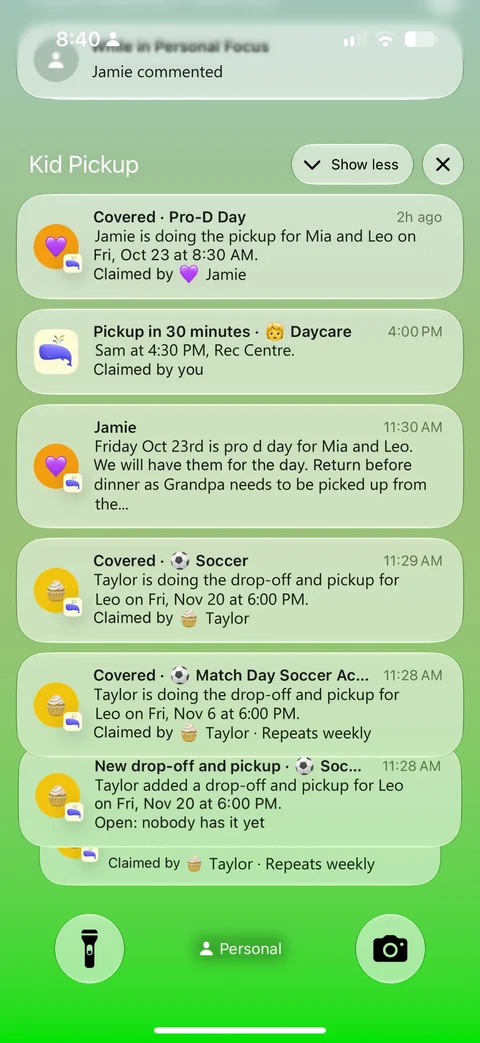
Grandma taps I’ll do it. Now it has her name on it, and you and the other parents get a notification that it’s covered.
Reminded and done
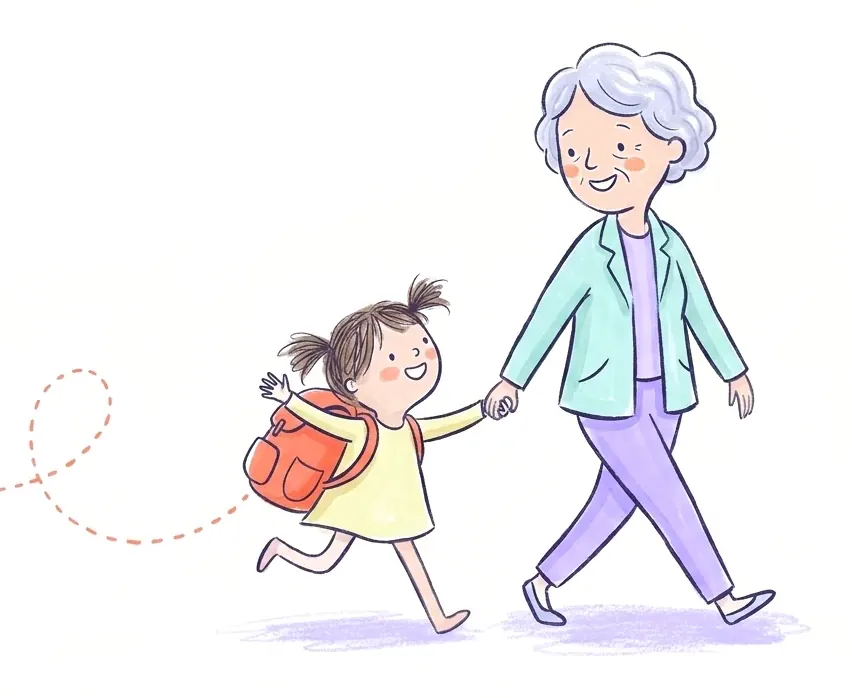
Grandma gets a reminder before she leaves. And while nobody has claimed it, the app sends the parents a nudge the day before, three hours out and two hours out.
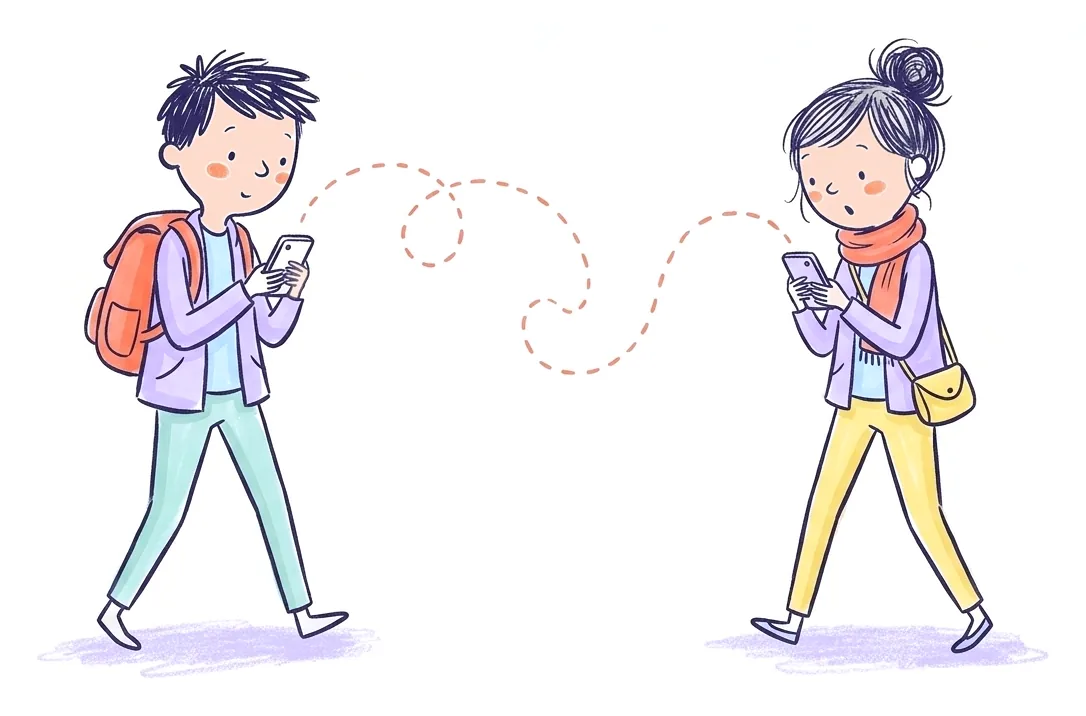
Knowing about Thursday isn’t the same as someone having it.
A calendar
shows the pickup.
A school app
checks who’s allowed at the gate.
Kid Pickup
gets one person to say “I’m going,” and tells you when nobody has.
Pickups are where it starts. The rest of the week lives here too.
One place for the people who look after your kids: what’s on, who has it, and the conversation around it.
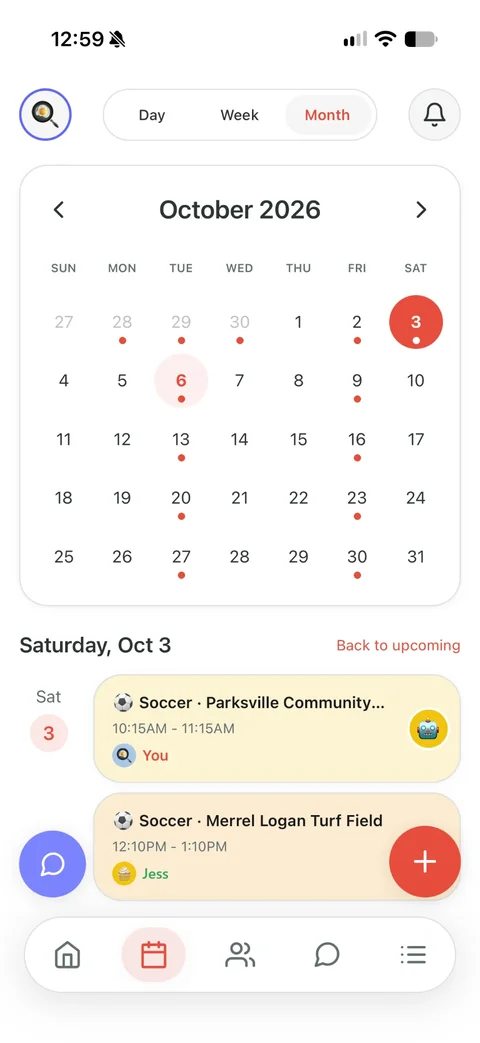
Every activity, one calendar
Soccer, piano, the dentist, a birthday party: more than 100 activities, by day, week or month. Add it to Apple, Google or Outlook Calendar too.
A chat for the whole circle
One family chat with the grandparents and the sitter in it, plus private chats with just some of you. Hold a message to react.
Everyone in their place
Parents and guardians run the schedule. Grandparents see the week. A sitter sees the pickups they can help with. An avatar for every kid and grown-up.
The family details, handy
Emergency contacts for whoever’s at the gate, saved places, and work hours that flag an open pickup during someone’s shift.
The goal, the art project, the “running ten minutes late”. All in one feed.
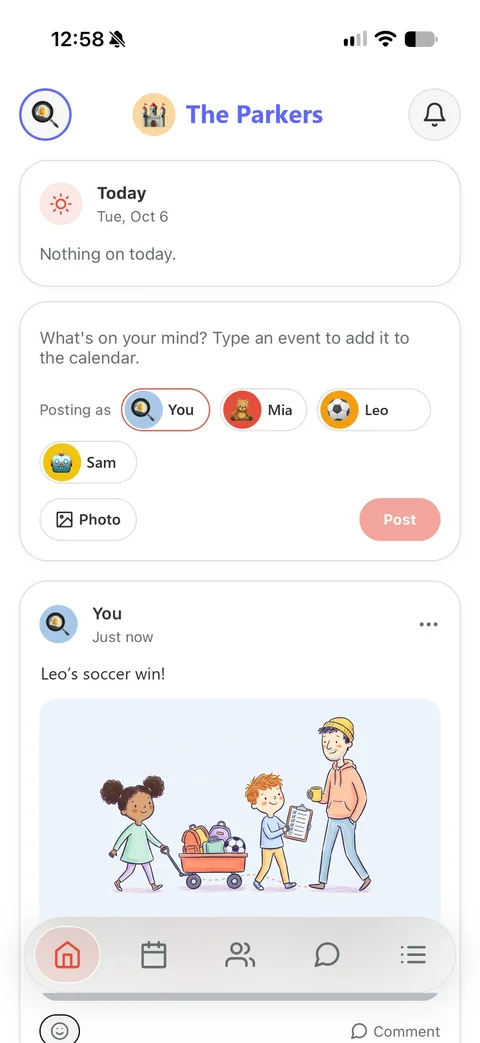
Kid Pickup opens on Home: a private feed for your family, with today’s pickups at the top and the news from everyone who helps underneath.
- Your family onlyNo public profiles, no followers, no public links. Remove someone and they stop seeing it.
- Everyone can postGrandparents and the sitter too, with a photo if they like. React with an emoji or comment.
- Posts from the kidsA parent or guardian can post as one of the children, with their own name underneath. Kids never get an account.
- Today’s pickups on topWho has each one, and OPEN on any that still need someone. Type a plan and Home offers to add it to the calendar.
Kid Pickup runs on iPhone Duo from day one.
Apple’s foldable iPhone arrives October 23: a phone when it’s closed, close to a tablet when it’s open. Kid Pickup runs on it either way.
- Closed, it’s your iPhonePickups, the calendar and the family chat work the way they do on any iPhone.
- Open, it still worksFor now Kid Pickup opens in an iPhone-sized window on the big screen, the way Apple runs apps that haven’t moved to its newest tools yet.
- Full screen is nextThe layout for the big screen is already built. It switches on with the update that moves Kid Pickup to Apple’s newest tools.
iPhone and iPhone Duo are trademarks of Apple Inc.
Who’s stuck at work at 3:15? The pickup shows it before you ask.
When a pickup still needs someone and it lands in a parent’s shift, the pickup says so, right where you’re looking. No more asking the one person who can’t go.
- Add your hours oncePick your work days and hours in Settings. Only parents and guardians see them.
- Travel time countsFinishing at 3:00 won’t get you to a 3:15 pickup, so anything within half an hour of a shift is flagged.
- One tap to ask“Ask the family” sends everyone a “Can you help?”, and whoever can go taps I’ll do it.
- Gone once it’s coveredWhen someone takes the pickup on, the warning goes. Move the pickup and it checks again.
Ash is at work 9:00 AM–5:00 PM, around the pickup at 3:15 PM.
If more than one person gets your kids, it’s for you.
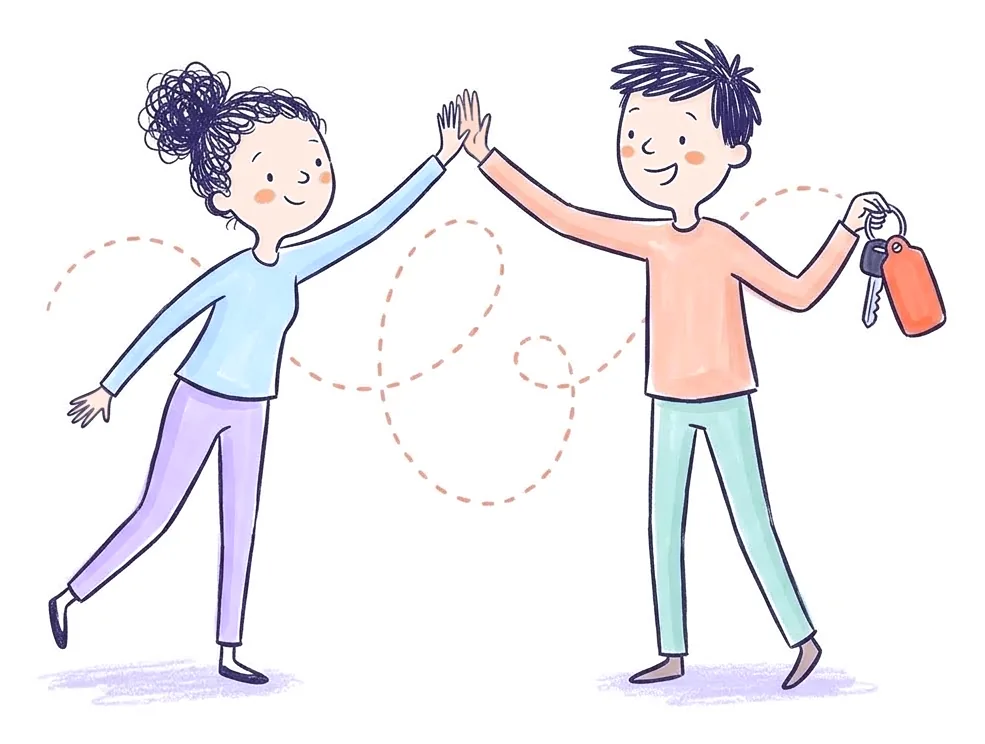
Two-parent households
“Wait. I thought you had pickup.”
See how it works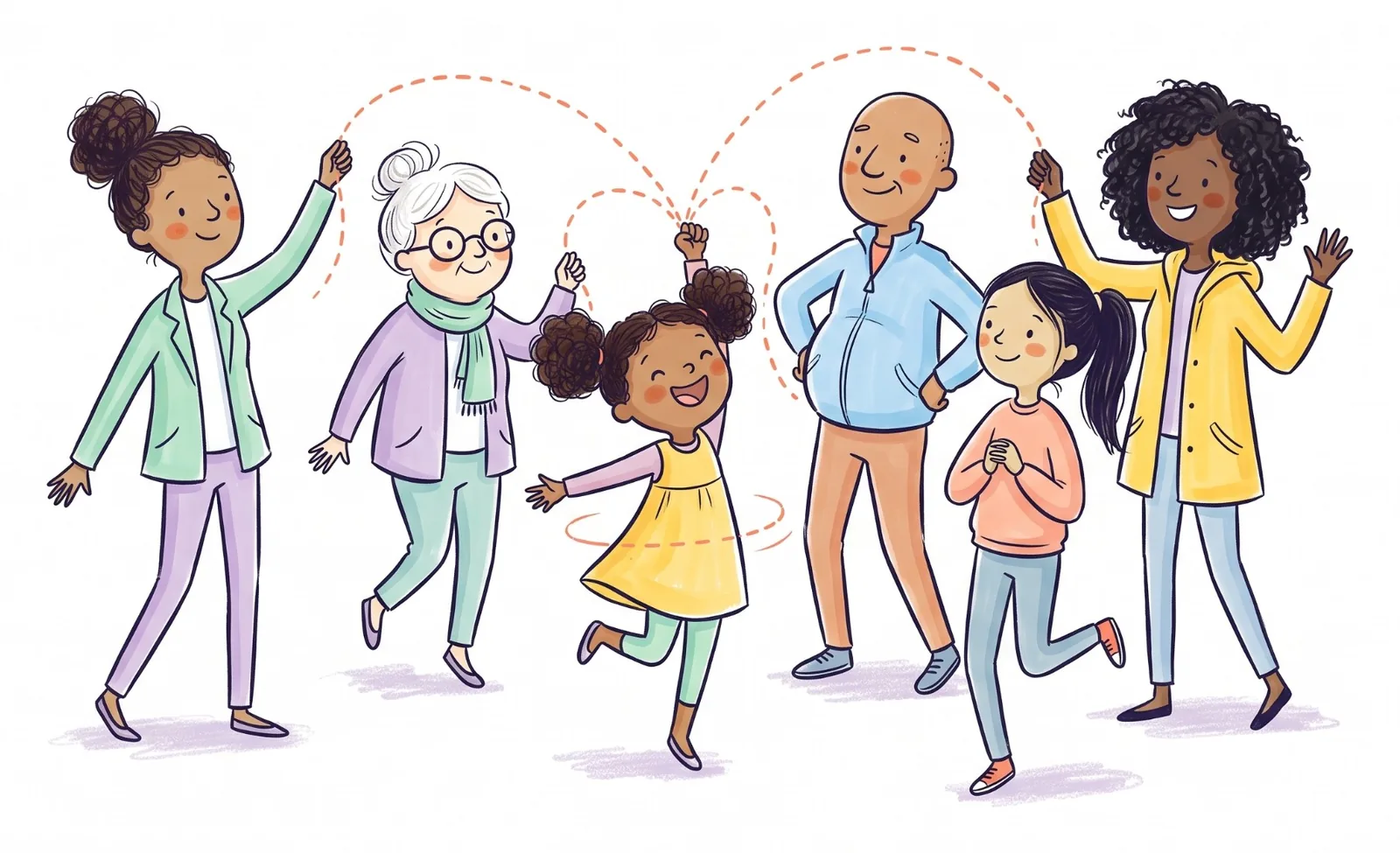
Single parents and their people
Just you, and everyone who helps.
See how it works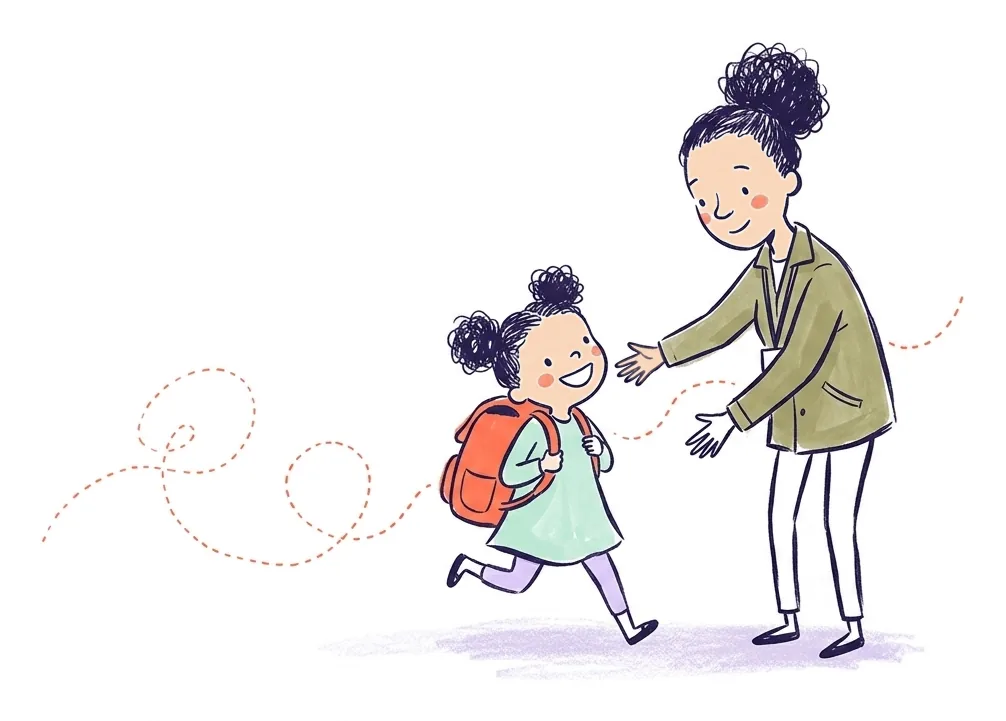
Families with a sitter or nanny
The sitter sees their pickups, not your whole week.
See how it works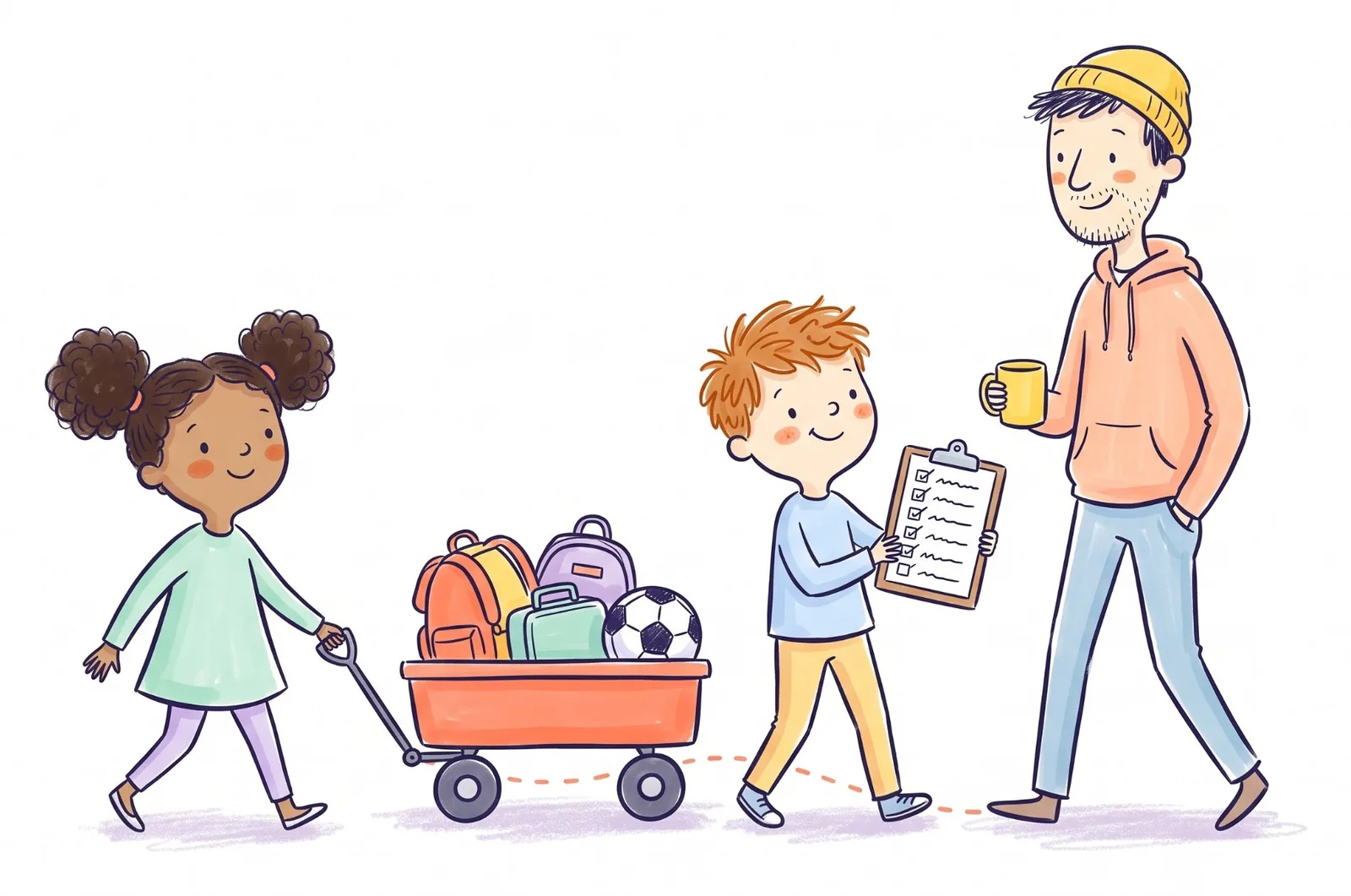
Families with a full activity schedule
Every practice on one calendar. A name on every ride.
See how it works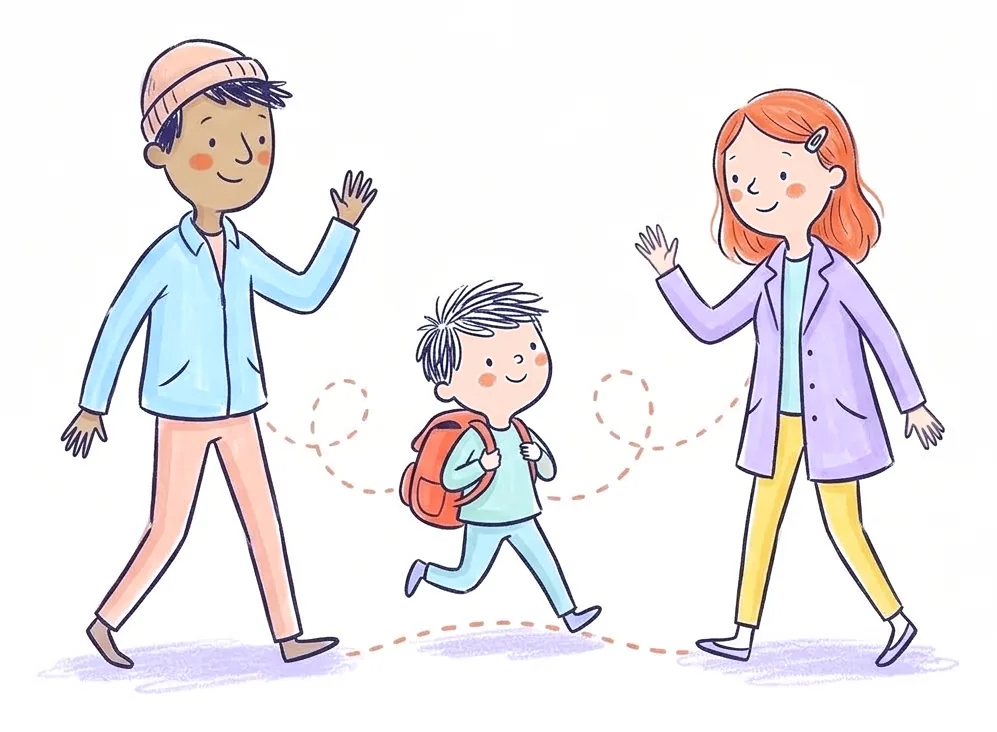
Separated and blended families
Works with one parent and your own people.
See how it works
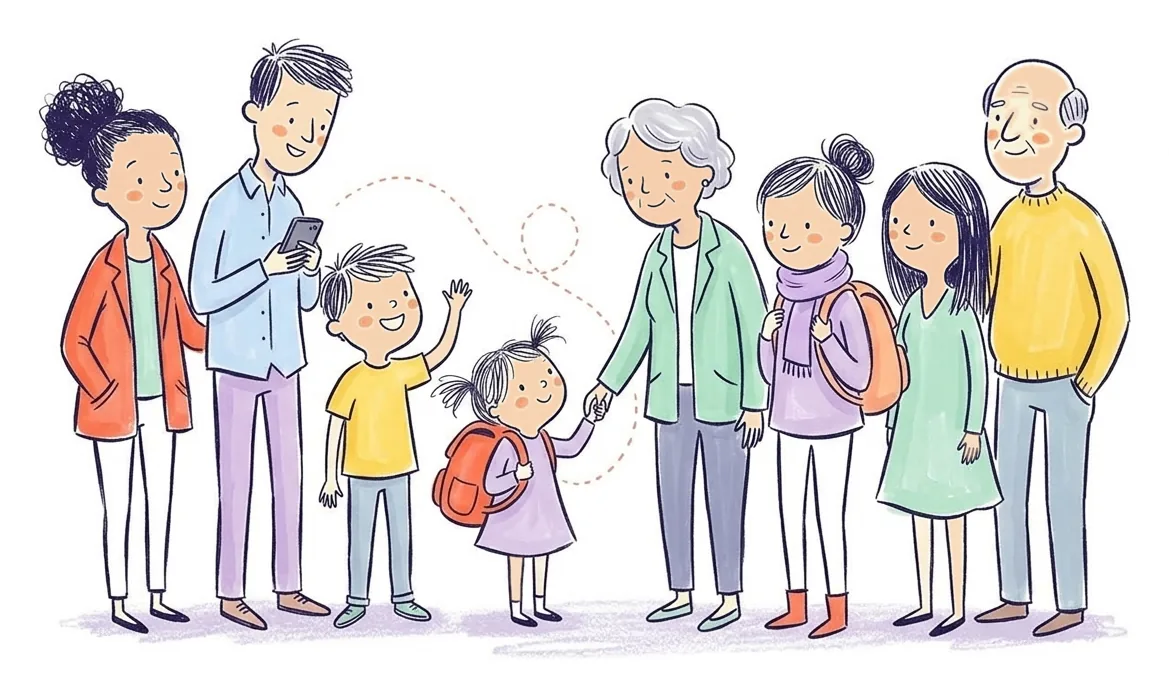
Families who lean on grandparents
Grandma says “I’ll do it,” and you know it’s handled.
See how it works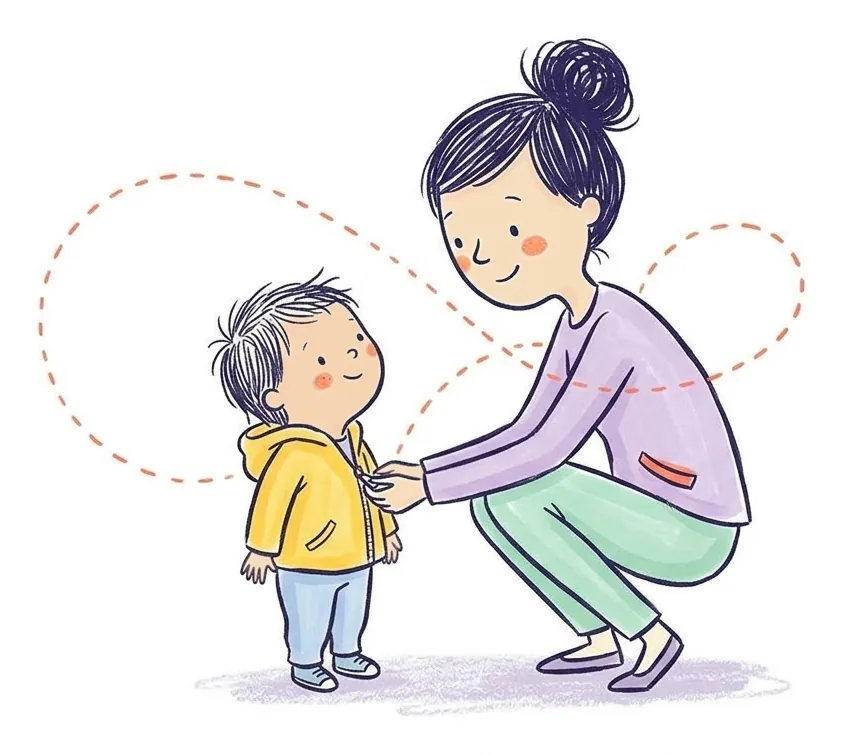
Daycare families
They check kids in. We make sure someone’s coming.
See how it works
Families whose school uses a dismissal app
No tracking. Not your school’s system. Yours.
See how it worksEverything your family’s week runs on, and nothing it doesn’t
- Home, the family feedUpdates and photos for your family only, with today’s pickups at the top. React, comment, or post as one of the kids.
- You decide who changes whatFor each parent or guardian: any pickup, only their own, or none. Everyone can still take pickups on.
- Email, if you want itSwitch it on and the app sends an email too when you’re asked to do a pickup, or one still needs someone.
- Type it, or say itWrite the pickup as a sentence, or dictate it, and the form fills itself in. On every plan.
- One tap to claimTake an open pickup with one tap, even straight from the notification, or every day of a repeating one.
- Can’t make itAsked to do one you can’t? Say so from the notification, and the family gets a notification that it still needs someone.
- Two people, one dayDrop-off with one person, pick-up with another, each with their own reminder.
- Not every event is a pickupThe dentist, a school meeting, homework. Add it as an Event: nobody has to claim it, and everyone it’s shared with gets a reminder.
- Told when a pickup movesChange the day, time or place and the family gets a notification saying what changed, and who has it is asked if it still works.
- More than 100 activitiesSoccer, piano, the dentist. Each has a symbol on the card and in notifications.
- Family chatOne chat for your whole circle, grandparents included, plus private chats with just some of you.
- Work conflictsA pickup nobody has yet shows which parent is at work then, with one tap to ask the family.
- Seen by GrandmaSee who has opened a pickup, and when a notification didn’t reach someone’s phone.
- In your own calendarSubscribe from Apple, Google or Outlook Calendar and your pickups show up there too.
- Heads-up if nobody has itThe app sends parents a nudge 24 hours, 3 hours and 2 hours before an open pickup.
- Reminders before you go15 minutes to an hour ahead, to whoever is doing it. Add a second if you like.
- Request HelpStuck at work? Everyone who could go gets a “Can you help?” with your note.
- Repeating pickupsSet the school run or Tuesday soccer up once, daily, weekly or monthly.
- Clash warningIf a child already has something within an hour, you’re asked before it saves.
- Avatars for everyoneA dragon, a unicorn, a soccer ball or initials, for kids and grown-ups.
- A role for everyoneGrandparents see the week. Nannies and sitters see only the pickups they can help with.
- Saved placesSchool, the rink, Grandma’s. Pick them from a list instead of typing.
- Emergency contactsThe numbers the person at the gate might need, in one place.
- Events tabEvery pickup coming up in one list, each saying who has it. Past ones too.
- Dark modeSystem, Light or Dark, in Settings.
- AI assistant (Premium)Ask “Which pickups still need someone?” and get a straight answer.
Your kids’ schedule is nobody’s business but your circle’s.
Plain English, no fine print. Read the full policy.
No location tracking, ever
The app never asks for your location. Saved places are just addresses you type in.
Only the people you invite
Nobody sees your family unless you invite them. A sitter sees only open pickups and their own, not the rest of your week. Grandparents see the calendar, and you can switch that off. Remove anyone, any time.
Delete your account in the app
Settings, then delete your account. No email, no waiting.
No ads, no selling
We don’t sell your data or use it for ads. It’s stored with our hosting provider, and the full list of who handles what is in our privacy policy.
One price for the whole circle.
Grandparents, sitters and the other parent never pay. Try it free for two weeks.
Free trial
No payment to start
- Up to 2 children
- You and 1 other parent or guardian
- 3 helpers
- Not included: AI assistant
- Everything below
Family
or $5.99 month to month
- Up to 2 children
- You and 1 other parent or guardian
- 3 helpers, like grandparents or a sitter
- Not included: AI assistant
- Everything below
Premium
or $11.99 month to month
- Unlimited children
- Up to 8 parents, guardians and helpers
- AI assistant
- Everything below
On every plan, trial included
- Shared pickup calendar, one-time or repeating
- Add a pickup by typing or saying it
- Claiming, with notifications to the family
- Reminders, and a heads-up when nobody has a pickup
- Request Help
- Child profiles, avatars and emergency contacts
- Saved locations
- Activity history
- Work conflicts, and a warning when a child is double-booked
- Dark mode
- Family chat
- Pickups in your phone’s calendar
- One price covers everyone in your circle. Grandparents and sitters don’t pay.
- Prices don’t change without 60 days’ notice.
- Cancel any time from your App Store subscriptions. No emails, no retention calls.
Prices in US dollars. The App Store shows your price in your own currency, so Canadian prices look different.
Questions parents ask
What happens if nobody claims a pickup?
It stands out in amber, marked OPEN, on everyone’s calendar, and the badge changes to “NEEDS HELPER” inside 24 hours. Parents and guardians get a notification 24 hours before, a more urgent one 3 hours before, and another at 2 hours, each with an I’ll do it button. The family owner can move the 3-hour one, or turn it off.
Can Kid Pickup tell when I’m at work?
If you add your work hours, yes. When a pickup nobody has taken yet falls within half an hour of a parent’s shift, the pickup shows who’s at work then, with a button to ask the rest of the family. It never uses your location.
Will it warn me if I double-book a child?
Yes. If the same child already has something starting within an hour that day, the app asks before it saves. You can change it, or create it anyway if that’s what you meant.
Can I add a pickup without filling in a form?
Yes. Type it the way you’d text it, like “Swim pickup for Leo Thursday at 4:30, ask Grandma”, or say it with your keyboard’s microphone, and the form fills itself in. Nothing saves until you check it and tap Create. It’s on every plan, for parents and guardians.
What if someone can’t do a pickup they were asked to do?
They tap Can’t make it, right on the notification. The pickup stays open, the heads-ups keep going, and everyone who could take it hears that it still needs someone.
Can we message each other in the app?
Yes. The Chat tab is one conversation for your whole circle, grandparents and sitters included, on every plan. Everyone else gets a notification when someone writes, and with the chat open, new messages show up within seconds. On Premium, each pickup also has its own thread.
Does everyone in my circle have to pay?
No. One subscription covers your whole family circle. Grandparents, sitters and the other parent join free, up to your plan’s limits.
Does the other parent have to use it?
No. Kid Pickup works with one parent and the people you invite. Your co-parent can join if you both want that.
Does Kid Pickup work for single parents?
Yes. Set up your family on your own and invite the people who help: your parents, friends, neighbors or a sitter. They join free, take the pickups they can do, and if one is still open the app sends you a nudge in time to sort it out.
Is there a co-parenting app where only one parent pays?
Yes. Kid Pickup is one price per family, and a co-parent you invite doesn’t pay. You can also use it on your own, with the grandparents, partner and sitter who help your household. It’s for covering pickups, not court records.
Can I share my kids’ schedule with a nanny or sitter?
Yes. Invite them as a nanny or babysitter and they see the pickups that are theirs or still need someone, plus the kids on those, not your whole week. You can let them see the whole calendar from their profile. They don’t pay, and they’re in the family chat too.
Is Kid Pickup a Cozi alternative?
For pickups and the kids’ schedule, yes. Cozi is a family organizer with shopping lists and meal plans. Kid Pickup gets one person to claim each pickup, keeps every activity on one calendar, and has a family chat. It doesn’t do lists or meals, so some families use both.
Does Kid Pickup work in Canada?
Yes. Kid Pickup is made on Vancouver Island, BC, for families in Canada and the US. It runs on iPhone, and the App Store shows the price in Canadian dollars.
Does Kid Pickup track my location?
No. The app never asks for location permission. Saved places are just addresses you type in.
Is Kid Pickup a school dismissal system?
No. Kid Pickup is not a school dismissal system. Your school’s app runs the car line. Kid Pickup is for your family: who’s going, at every school, rink and studio.
What can the people I invite see?
Parents and guardians you invite see the whole family schedule and can change it. Grandparents see the whole calendar but can’t change it. Sitters and other helpers see only open pickups and the ones they’ve taken, plus the kids on those. You can switch any helper either way from their profile in Family. Only parents and guardians see your work hours, other people’s phone numbers and a child’s notes. Everyone sees your emergency contacts, and you can remove anyone at any time.
What happens when the free trial ends?
Nothing is charged, because the trial doesn’t ask for payment. The app asks you to choose a plan to keep going, and your family’s schedule is still there when you do.
Is Kid Pickup on Android?
Not yet. It’s on iPhone now, and Android is on the way.
What does the AI assistant do?
On Premium, you can ask about your family’s pickups in plain words, like “Which pickups still need someone?” It answers from your calendar. It doesn’t make changes for you. Typing a new pickup as a sentence is a separate feature, on every plan.
How do I cancel?
In your App Store subscriptions on your iPhone, any time. You keep access until the end of the period you paid for.
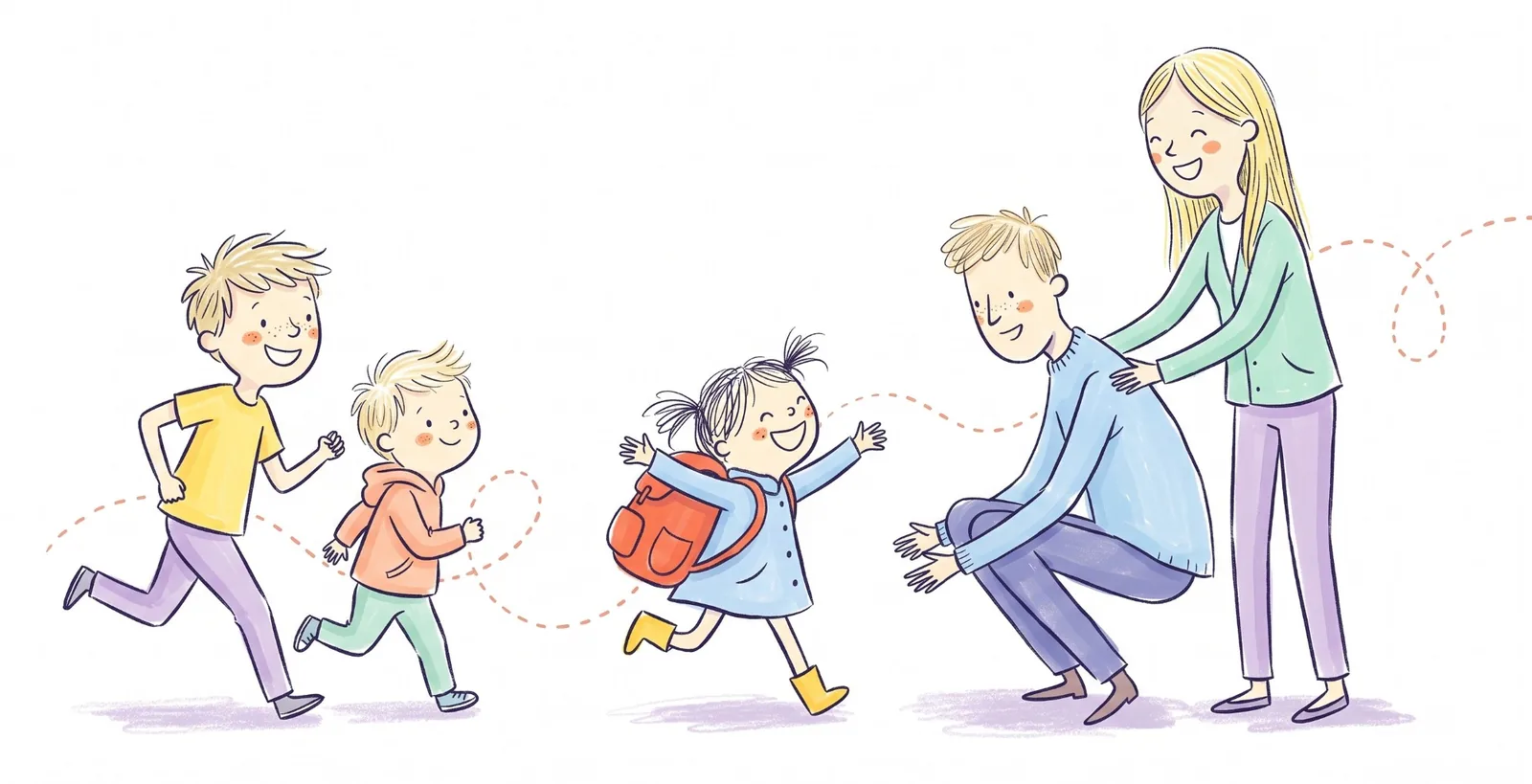
I’m Joel. I’m a dad of three on Vancouver Island and a soccer coach, so most of my week is somebody getting somebody somewhere. I built Kid Pickup because the group chat kept failing us. Someone would ask who was getting the kids, a few people would reply, and it still wasn’t clear who had actually said yes.
Most weeks it worked out. I wanted something for the weeks it didn’t: one place where every pickup has a name on it, and a nudge when one doesn’t.
It’s a small app made by one family’s worth of frustration. I read every message. If something’s broken or missing, tell me through the contact form.
Happy Gang App
As a grandparent I’m very appreciative of this app and the way it functions to be in the loop of all the busy schedules of my daughter, son in law and grandkids. Even the dog as it helps to know when I’m needed to dog sit on their busy work rotating schedules. When I’m needed for pick up or drop off to and from school or daycare, soccer games and practices I can look at the calendar and be available when I’m free to help. We can communicate without the endless texting back and forth which can get stressful and time consuming. Who doesn’t want to make life easier…Highly recommend
Life Saver App!
This app makes coordinating my kids pickups and drop-offs a breeze with my parents and friends. Between school, soccer and two work schedules ‘wait, who’s getting the kids today?’ was a weekly panic. Now it’s just…in the app. I can see who’s picking up, grandma gets looped in without a 14 message text thread. It’s simple enough my mom figured it out on her phone, which was the real test. I use this app everyday.
Using Kid Pickup? We’d love to hear how.
Who’s in your circle, which day always used to go wrong, what you’d change. We’ll only share a story here if you say we can, and only the way you want it told.
Tell us your storyNotes on getting the kids where they need to be
 School pickup
Can an Older Sibling Pick Up a Younger One From School?
There’s usually no legal age: the school’s pickup policy decides. What real schools require (16, 18, or a list and an ID), how to set it up, and when a sibling can babysit.
6 min read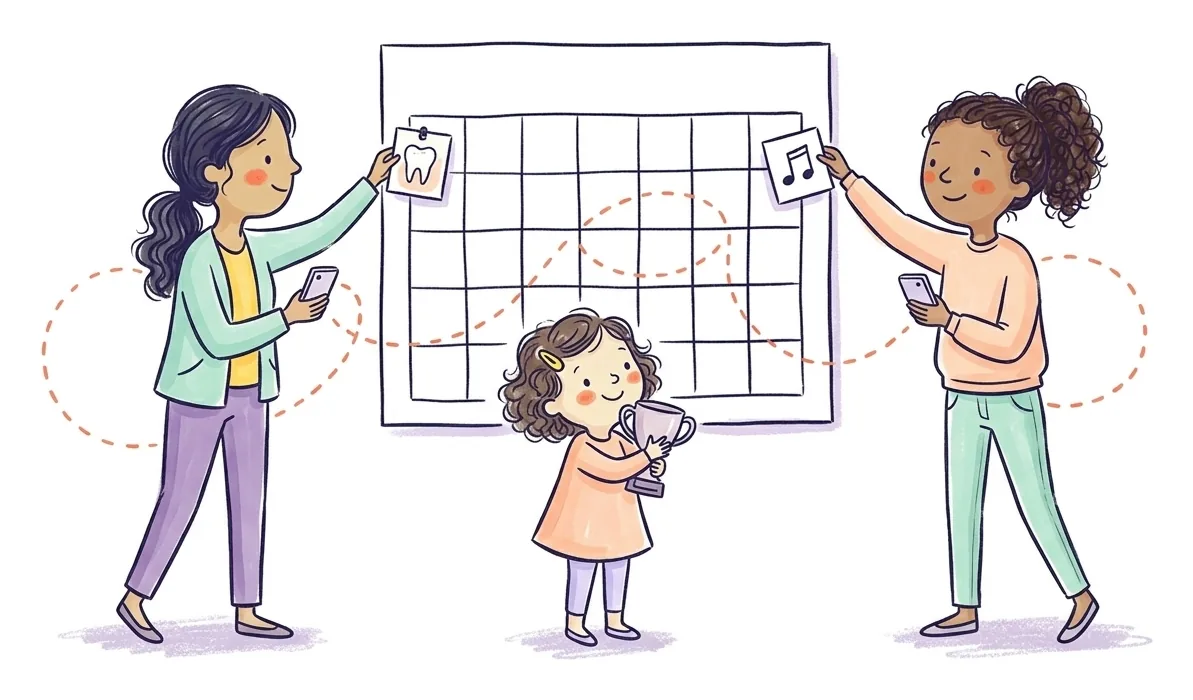 Updates
What’s New in Kid Pickup 1.6: Events That Aren’t Pickups
Kid Pickup 1.6 adds events that aren’t pickups, like the dentist or a school meeting, lets both parents change any pickup, and tells the family when one moves.
5 min read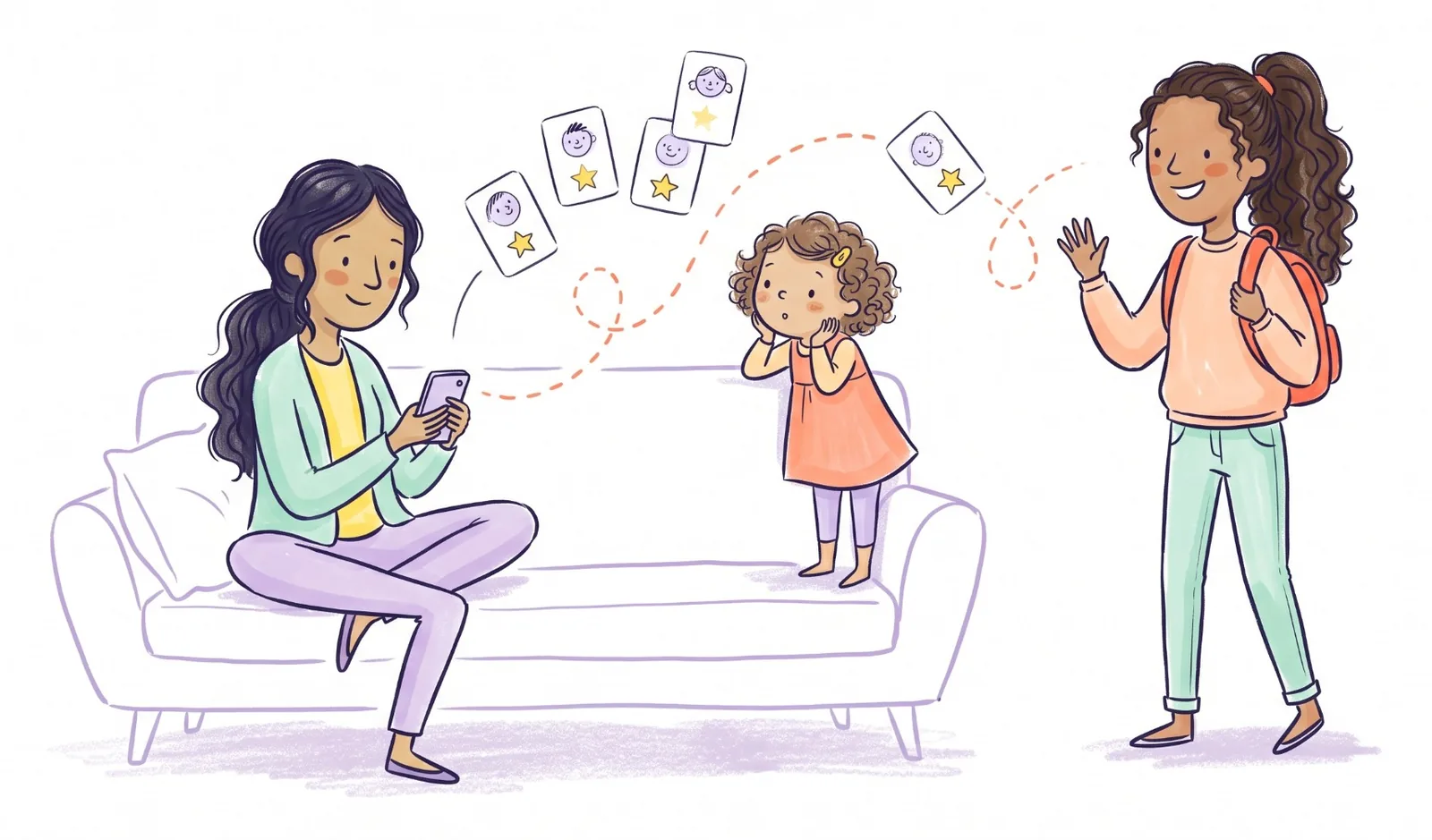 Babysitters
The Best Babysitting Apps in the US and Canada (2026)
Care.com, Sittercity, UrbanSitter, Bambino, Babysits, Sitly and more: what each costs, which ones do background checks, and which work in Canada.
9 min read Babysitters
How Much to Pay a Babysitter in 2026 (US and Canada)
Average babysitting rates for 2026 in the US and Canada, by city and number of kids, what should move your rate up or down, and when taxes come into it.
6 min read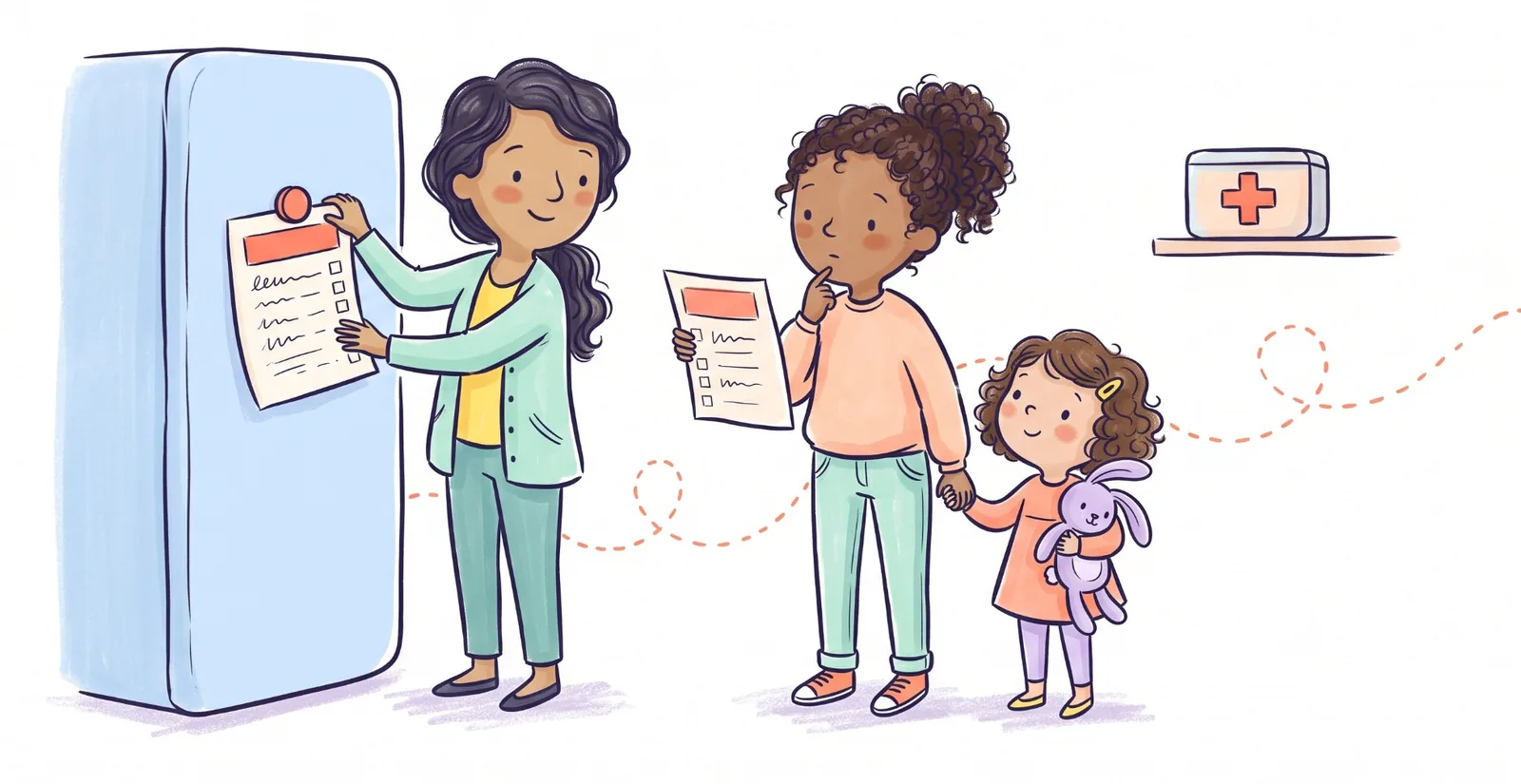 Babysitters
Babysitter Information Sheet: Free Printable, and What to Tell a New Sitter
A free one-page babysitter information sheet to print and fill in, what to go over before you leave, and how old a babysitter should be.
6 min read