
Kid Pickup 1.6 is on the App Store now, as a free update for everyone on iPhone. If your phone updates apps by itself, you may already have it.
Until now, everything on the calendar was a pickup or a drop-off, waiting for someone to say "I'll do it". But a family's week is more than rides. 1.6 makes room for the rest of it, and makes the calendar work properly for two parents.
Events that aren't pickups
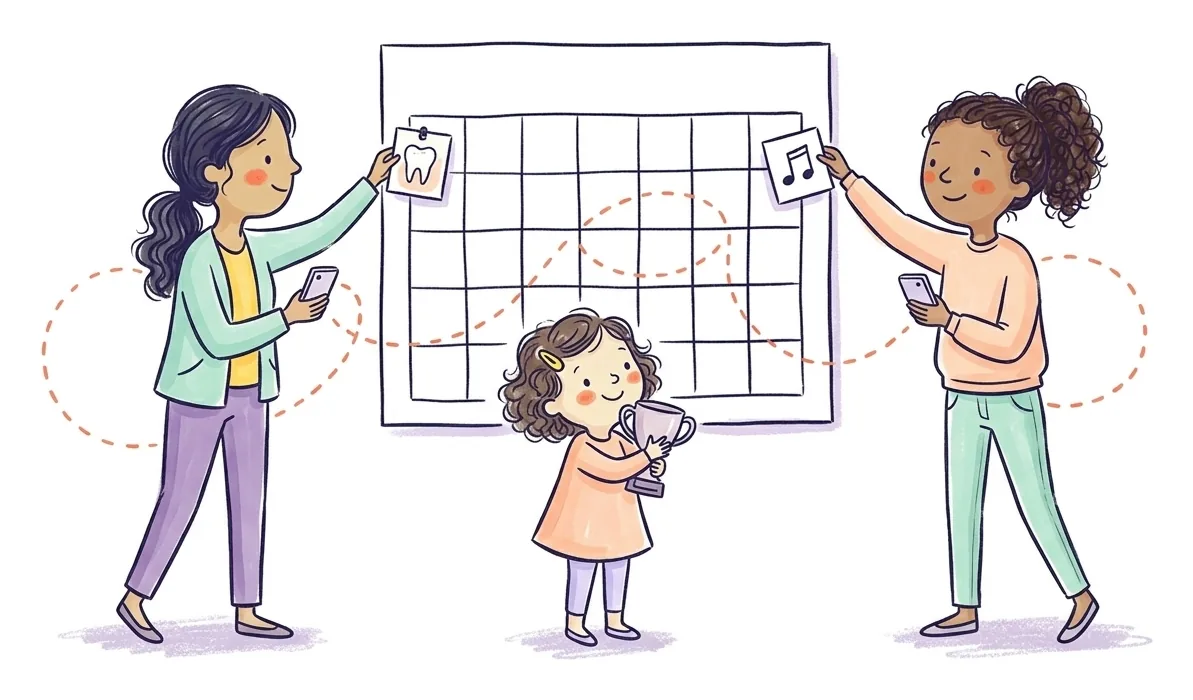
The dentist at 3:30. The parent-teacher meeting. Music lessons, the class photo, the science project due Friday. None of these needs someone to claim it, but all of them need to be on the family calendar.
When you add something, choose Event, beside Drop-off, Pick-up and Both.
- Nobody is asked to do an event. There's nothing to claim, no "nobody has this yet" nudges, and it's never marked missed. It shows as Scheduled.
- Everyone it's shared with gets a reminder at the times you choose, like "Coming up in 30 minutes · 🦷 Dentist".
- The family gets a notification when one is added, called off or put back on.
- It's everywhere your pickups are: on Home, in the Day, Week and Month views, and in your Apple or Google Calendar if you've subscribed to Kid Pickup there.
- It stays on the calendar until a parent or guardian marks it done or calls it off.
Who sees it. Parents and guardians always do. Grandparents who see the whole week see events too. A sitter or nanny sees an event only when you name them on it, under "Share with", so the sitter isn't reading about Dad's dental check-up.
One thing to know: typing a sentence on Home still opens the pickup form. If "Lily has the dentist Tuesday at 3" was really an event, tap Event in the form before you save.
Both parents, one calendar
A parent or guardian you invite can now change any pickup, not only the ones they added. Move Thursday's swim, call off a rained-out game, delete the day that's no longer happening, whoever set it up.
That's how most two-parent households already run their week, so it's the new starting point. You can still choose otherwise, person by person:
| Setting | They can |
|---|---|
| Any pickup (now the default) | Add pickups, and change, call off or delete anyone's |
| Only their own | Add pickups, and change or delete the ones they added |
| None | See the calendar and take pickups on, but not add or change them |
Only the family owner can change this, from the person's profile on the Family tab. If you had already chosen "Only their own" or "None" for someone, that stays as it was.
Your family hears when a pickup changes
With both parents able to change things, everyone needs to know when they do. Now, when someone moves a pickup's day, time or place, or changes which kids it's for, everyone who can see it gets a notification saying what changed and who changed it:
Ash moved the pickup for Lily to 2:45 PM (was 3:15 PM).
Whoever had said "I'll do it" gets a note of their own asking if it still works. The pickup stays theirs. If the new time doesn't suit, they open it and let it go, and the family sees it's open again.
Deleting a pickup is announced too, so nobody turns up for a pickup that no longer exists.
Small edits stay quiet. Changing the notes or the reminders doesn't send anyone anything.
This one works whichever version of the app each person has, so Grandma doesn't need to update to hear that Thursday moved.
Smaller changes
- Your family's avatar lives on the Family screen now. Tap it at the top of the Family screen to change it. It used to be on the Chat tab.
- A small ask. Every so often, Home shows a card asking whether you'd leave a review on the App Store. Tap Not now and it goes away for a month. Rate Kid Pickup is in Settings whenever you like. Reviews are how other parents find us, so thank you if you do.
How to get it
Open the App Store, tap your profile picture, and find Kid Pickup under available updates. Everyone in your family can update in their own time, and nothing breaks for anyone who hasn't yet. They just won't see events until they do: older versions show only the pickups.
New to Kid Pickup? It's a family calendar for iPhone where every pickup gets a name, and now every appointment gets a place too. One subscription covers your whole circle, and grandparents and sitters never pay.
Missed the last update? Kid Pickup 1.5.3 brought Home, the private family feed.
FAQ
What's new in Kid Pickup 1.6?
Events that aren't pickups, like the dentist, a school meeting or a class photo, with reminders and nothing to claim. Invited parents can change any pickup by default, and the family gets a notification when a pickup is moved or deleted. The family avatar moved to the Family screen.
Is Kid Pickup 1.6 free?
Yes. It's a free update on the App Store for everyone who has Kid Pickup.
Can I add appointments that aren't pickups?
Yes. From 1.6, choose Event when you add something. Nobody has to claim it, and everyone it's shared with is reminded at the times you choose.
Can the other parent change pickups I added?
From 1.6, yes, by default. The family owner can limit any parent or guardian to only their own pickups, or to none, from that person's profile on the Family tab.
Will my family know if I move a pickup?
Yes. Everyone who can see it gets a notification saying what changed and who changed it, and whoever had claimed it is asked if it still works.