
Everything the family has on, and a name on every ride.
Add what’s happening. Somebody says “I’ll do it”. Anything still open gets a nudge before it’s too late, and everyone sees the day on one private feed.
Posted. Claimed. Done.
Three steps, and a name on every ride: pickups, drop-offs, practices and everything else the kids have on.
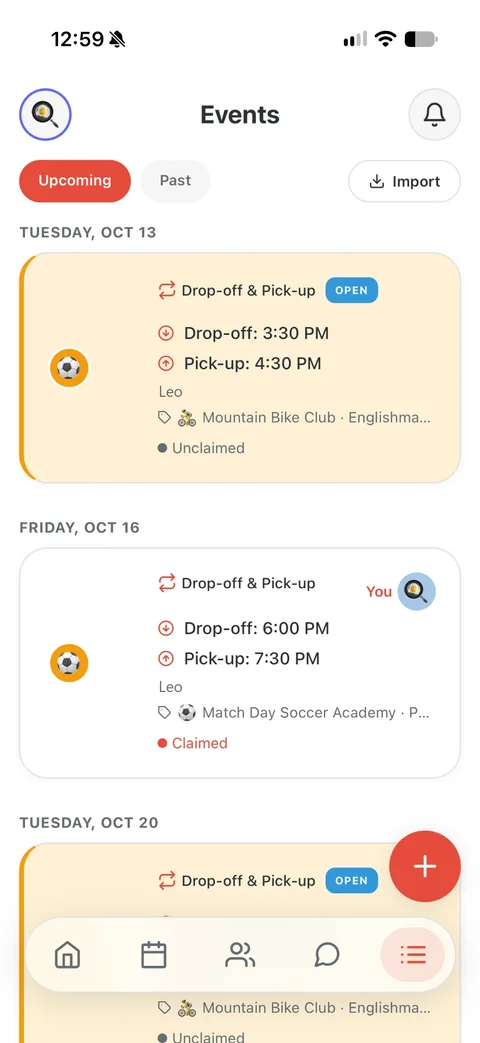
Posted
Add what’s on: a pickup or drop-off, soccer practice, the dentist, the school play, a reminder. Say who it’s for and when. Everyone in your circle sees it on the calendar, and anything that needs a driver is marked open until somebody takes it.
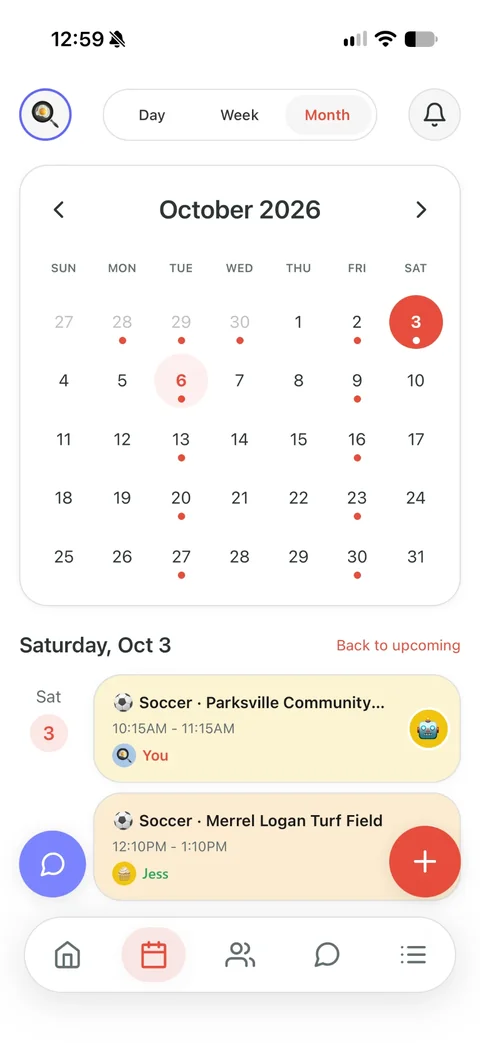
Claimed
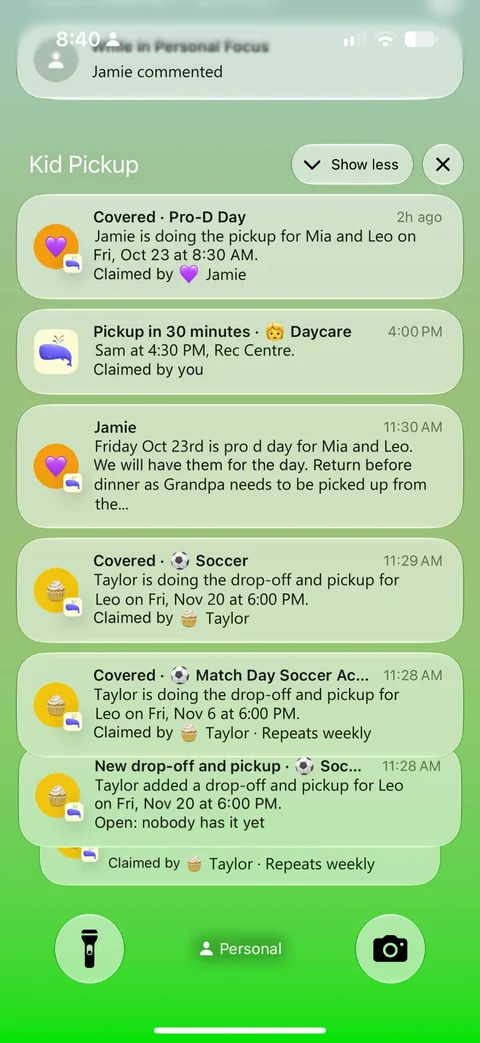
Grandma taps I’ll do it. Now it has her name on it, and you and the other parents get a notification that it’s covered.
Reminded and done
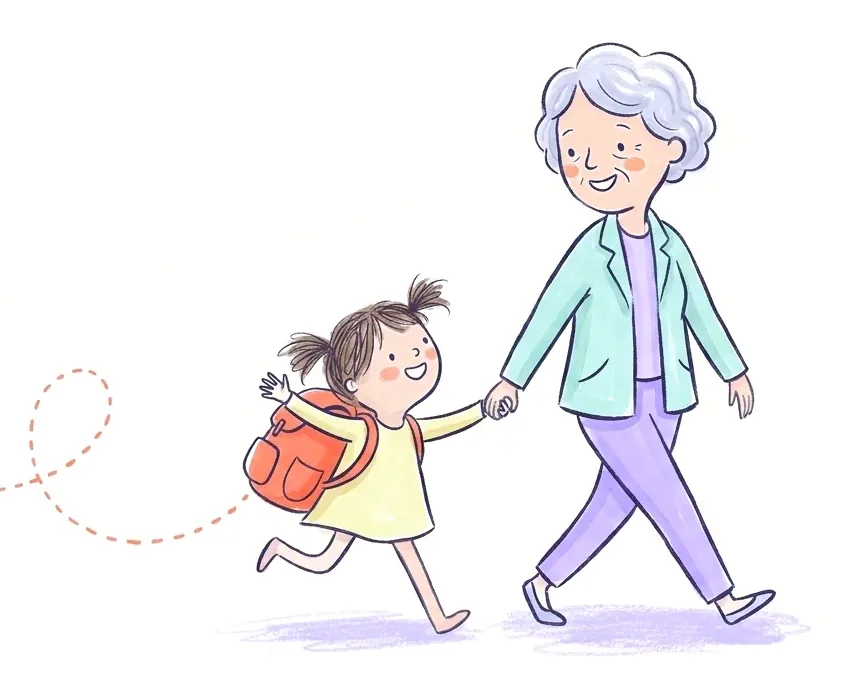
Grandma gets a reminder before she leaves. And while nobody has claimed it, the app sends the parents a nudge the day before, three hours out and two hours out.
Add anything, not only pickups
Every event starts with what it is. If somebody needs to drive, it gets a name. If not, it just goes on the calendar.
Ways to get it in
- Type it the way you’d say it: “Soccer every Tuesday at 5”, and the form fills itself in for you to check.
- Paste the season from the coach’s email, or a photo or PDF of the fridge sheet, and tick the dates you want.
- Follow a team or school calendar link, and new and moved dates come in on their own.
- Make it repeat: every weekday, every other Friday, monthly.
Pickups and drop-offs
School, daycare, practice. Choose drop-off, pick-up or both, and give each half to a different person if Ash takes them in and Grandma brings them home.
Activities
Soccer, swim, piano. Say whether somebody drives, and the ride gets a name like any pickup.
Events
The dentist, the school play, a birthday party, a parent-teacher meeting. On the calendar for everyone, with nobody to claim it unless it needs a ride.
Reminders and To do
Picture day, the permission slip, library books back. A reminder can go off right at its time; a To do gets a nudge at 6 p.m. the night before it’s due.
Somebody says yes, and everyone knows who
One tap from the notification. The pickup shows their name, and the parents hear it’s covered.
Ask someone by name
Put it to Grandma and she gets a notification asking her, with I’ll do it and Can’t make it right on it.
Or leave it open
Anyone in your circle can take it. The first tap wins, so two people can’t both think they have it.
See who’s free
On a pickup nobody has yet, Who’s free? shows who’s at work, who has something on and who’s free then, with Ask beside them.
Nothing slips through
While a pickup has nobody, the app sends the parents a nudge the day before, three hours before and two hours before. The owner can move the three-hour one or switch it off.
The night before
At 7 p.m., one notification with tomorrow’s pickups and who has each.
Before they leave
Whoever has it gets a reminder at the time you chose.
I’m here
They tap it at the school gate, and the family hears they’ve arrived.
Picked up
Or Dropped off. The family hears that too, and the pickup is done.
Every update lands in one feed that’s only your family
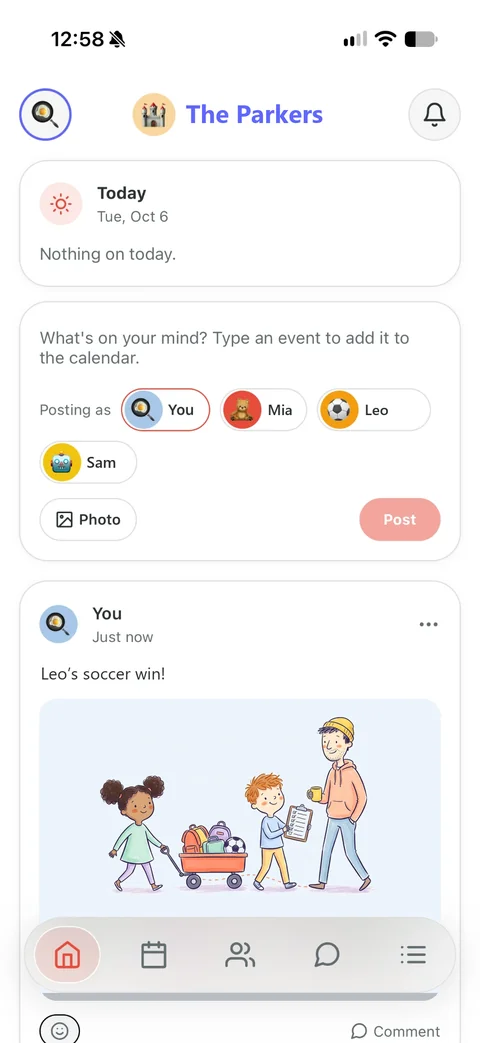
The app opens on Home: today’s pickups at the top, then every update and the posts and photos from everyone in your circle. Grandma’s photo from the game, “running ten minutes late”, a drawing posted in a child’s name.
- No ads
- No spam
- No recommended people
- No channels or videos
- No algorithm
Everyone sees what they need, and no more
Invite the other parent, the grandparents, the sitter and the neighbour who helps on Thursdays. Each one signs in as themselves.
Parents and guardians
Add and change events, invite people and see everything. The owner decides what each other parent may change.
Grandparents
See the whole family calendar, take pickups on and post in the feed. A parent can narrow that to their own pickups.
Sitters and friends
See the pickups that are theirs or still need someone, and the kids on those. Not your whole week.
Nobody else pays
One subscription covers the family. The people you invite never pay.
Everything Kid Pickup does: See the features
On a computer too: Kid Pickup in your browser
Try it with your own week
Set up your family and invite one person. It takes a few minutes.


Two weeks free for new subscribers, then the plan’s price. Apple asks for a payment method and charges when the trial ends unless you cancel at least 24 hours before. Android is on the way.