Meta's Muse is a personal AI agent for one adult. To be useful it asks to read your email and calendar, links your Facebook, Instagram and Threads accounts on its own if they share an Accounts Center, can use your location when the app is closed, and keeps notes on the people in your life. Kid Pickup is a shared calendar for one job: making sure every school pickup has a named person who said yes, whether that's you, the other parent, Grandma or the sitter. If what you need is the school run covered, you don't need to hand an AI your inbox to get there.
The rest of this post is the detail, checked against Meta's own help pages, privacy policy and App Store listing on 14 November 2026. Where something comes from press reports rather than Meta, it says so.
Side by side
| Meta Muse | Kid Pickup | |
|---|---|---|
| What it is | A personal AI agent that does tasks for you | A family calendar for pickups, drop-offs and activities |
| Who's in it | You. Muse has no family plan or shared account | Your family: parents, grandparents, sitters, each with their own login |
| Your inbox | Reads it once you connect it, and can send if you allow it | Never reads it |
| Your location | The App Store listing says it may use location even when the app isn't open | Never asks for it, and doesn't track anyone |
| Other Meta accounts | Facebook, Instagram and Threads connect automatically if they share your Accounts Center | No connection to any social network |
| Notes on other people | Reported to keep a page on each person in your life | Holds only what your family puts in it |
| Ads | Meta says your Muse chats don't go to its ad systems; its App Store label lists advertising among the uses for some data | No ads, no selling, no ad profiles |
| AI training | Your chats train Meta's models unless you switch it off | Your family's information isn't used to train AI |
| Can Grandma say "I'll do it"? | No. Reminders go only to you, inside your Muse chat | Yes, with one tap on the notification |
| Nobody has the pickup yet | Nothing documented | The app nudges the parents the day before and again a couple of hours out |
| Price | Free up to a weekly limit Meta doesn't publish; $20 or $100 a month for more | Family plan $5.99 a month or $59.99 a year; grandparents and sitters don't pay |
| Where | US, Canada and Singapore, with listings in Japan and Mexico | iPhone and any browser, in nine App Store countries including the UK and Australia |
What Muse is
Meta launched Muse in the US on 8 September 2026 and calls it "a personal AI agent" that "doesn't just answer questions, it actually does the work" (Meta). It runs on its own computer in Meta's cloud, keeps working after you close the app, and can open a browser, fill in forms, book a table, shop and send email for you. Meta said in October that it had more than 10 million users, with shopping one of the most common uses (TechCrunch).
It's impressive at errands. The question for a parent is what it wants in return, and whether it does the part of family life that actually goes wrong.
What Muse asks to see
Muse gets its abilities through what Meta calls Connectors. Connect one, Meta's help page says, and "Muse gets new abilities, like the ability to see your calendar or write an email" (Meta Help Center). The App Store description invites you to "link your email, calendar, Instagram, Facebook, health and fitness data, and finances" (App Store). On Meta's earnings call, Mark Zuckerberg said Muse uses Plaid, which links bank accounts, for shopping (TechCrunch).
Some of it you don't have to switch on at all. The same help page says Facebook, Instagram and Threads "are connected automatically if you have your accounts in the same Accounts Center. You don't need to do anything to set these up." Muse's privacy policy adds that in that case Meta "may combine and use your information across profiles and devices" (Muse Privacy Policy). You can avoid it by signing up with an email address that isn't tied to another Meta account, which is worth knowing before you install it, not after.
With email, you choose whether Muse only reads it or can also send. It searches your inbox rather than downloading all of it, "unless you tell it to", and Meta says it filters out one-time codes and password reset links. By default it asks before "many important actions, like sending an email", but the approval options run all the way to "Always allow", and Meta says Muse "learns over time which decisions need your sign off" (Meta Help Center). An email it sends can't be unsent.
Location is in there too. Apple's listing carries the line: "This app may use your location even when it isn't open." Muse uses it for reminders that go off when you're near a place.
And disconnecting doesn't wipe the slate. Meta's own words: information Muse used through a connector "might still remain in Muse's memories and your conversation history."
For booking a dinner, that reach is the point. For knowing whether Grandma has Thursday, it's a lot to hand over.
The notes it keeps on people who never signed up
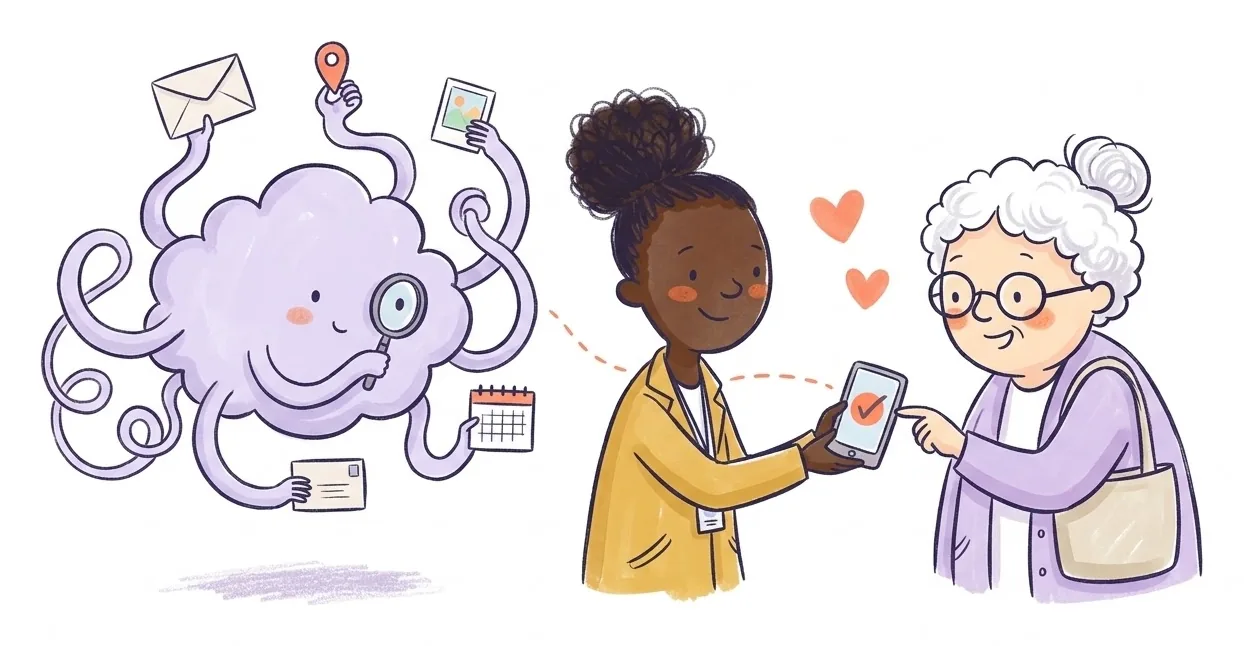
This is the part that worried parents' groups. In October, WIRED reported that a researcher had pulled Muse's internal instructions out of the app, including an hourly job telling it to create and update "a page for every person in the user's life" (Gizmodo, reporting on WIRED). According to instructions published from an exported Muse computer, a page can hold how the person is connected to you, recurring topics, birthdays and anniversaries, how close you are, and "what the relationship appears to need at the moment".
Meta's response, through a spokesperson, was that an agent "needs to have context about you and those you interact with", gathered "based on public information and from what you've chosen to share." Meta's own help pages never describe these pages. They say only that your Muse data "can include … information about you or others", and that you can ask Muse to forget a person "to the best of its ability."
A Tom's Guide reviewer who checked her own Muse found it fairly sparse: it knew she had three kids and that they're "a soccer family" (Tom's Guide). Still, the design is the problem. Nothing Meta publishes tells the people on those pages, or lets them see or remove what's there. Muse's terms put that on you: by using it, you confirm you've got any consents needed "from third parties whose personal information may be processed" (Muse Terms). ParentsTogether pointed out what that could mean for a family: a file on your child, with their school and the time they get home (ParentsTogether). Nobody has shown such a file exists. Nothing in Meta's design stops one building up either.
Your kids, your parents and your sitter didn't sign up for Muse. In a pickup app they appear because you invited them, and they can see what's there.
Ads and AI training
Meta draws a line here, and it's fair to quote it: "Muse doesn't share your conversations or the data in your virtual machine with Meta ad systems" (Muse Privacy Policy). Meta's safety write-up then adds the catch in its own words. When Muse browses for you, "it will appear as your activity", so a shop Muse visits on your behalf "might use your visit to show you an ad on Instagram" (Meta).
Meta's App Store privacy label, which Meta writes and Apple doesn't verify, lists Third-Party Advertising among the purposes for data including location, contacts, photos, browsing and search history, and purchase history. Emails, health data and payment details aren't listed under advertising. A label says what data may be used for, not what happens to every user, but it's Meta's own declaration.
Training is on unless you turn it off. The privacy policy says the setting "is on when you first use Muse", and that information from connected services falls under the same switch. Meta says it strips names, emails and phone numbers first. It's under Settings, Data controls, "Help improve our AI models", and turning it off covers past chats too. Meta doesn't publish how long it keeps your Muse data, and says that after you delete something, "Muse may still remember information it learned from what you deleted."
Can Muse run the school run?
Not as it stands. Muse is built around one person. Meta says it is still "exploring ways for you to share your spaces with others" (Meta), and Zuckerberg has talked about Muses one day working with "your families'" Muses. Nothing like that has shipped. Reminders arrive "as messages in your conversation with Muse", so the only person who hears about Thursday is you.
Muse can email or message other people for you. What it can't do is give Grandma a pickup she can answer: no button that says she's got it, no record the other parent can see, no warning when nobody has said yes. We couldn't find a Meta page that mentions school pickup, drop-off or carpools at all.
There's one workaround in the press. Tom's Guide had Muse build a small household web app with a shared family calendar, chores and a grocery list, and liked it (Tom's Guide). It's a custom app Muse wrote for one family, not a Muse feature, and the review doesn't say how the rest of the family gets into it.
Muse accounts are for adults: you must be 18 and sign in with a Meta account. That's sensible for an agent that spends money. It also means that even if Muse could share a plan, a grandmother who has never wanted Facebook would need a Meta account to see it.
What Kid Pickup does instead
Kid Pickup is smaller on purpose. It doesn't book dinners or read anything you haven't typed into it. It does the one thing that goes wrong at 2:58 on a Thursday.
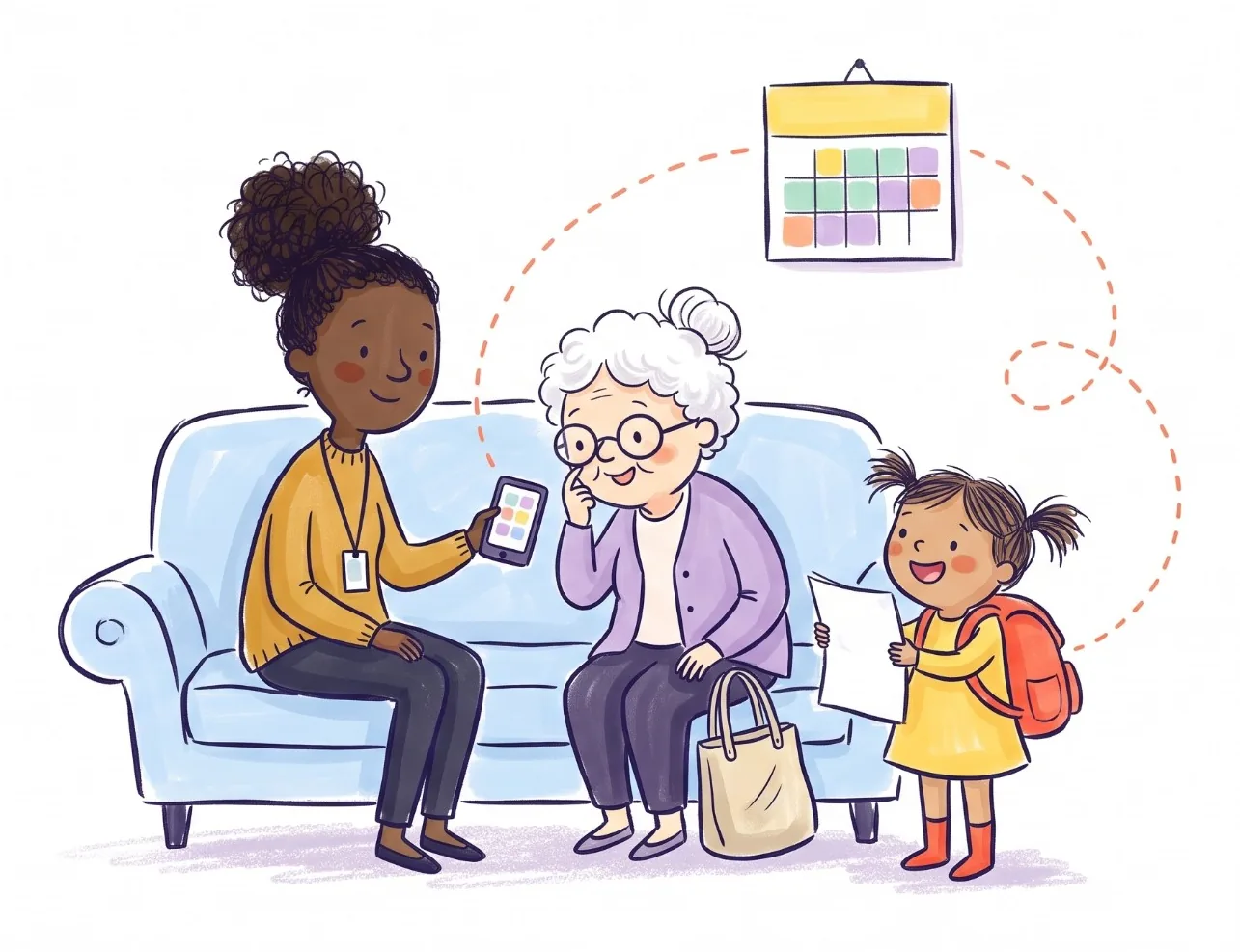
- Every pickup, drop-off and activity sits on one family calendar. Once someone taps "I'll do it", it has their name on it, and everyone in the family sees whose it is.
- You can ask a person by name. They get a notification with "I'll do it" and "Can't make it", so the answer comes back on the pickup itself.
- If a pickup still has nobody, the app nudges the parents the day before and again a couple of hours out.
- Grandparents see the whole calendar by default. A sitter sees only the open pickups and her own. Emergency contacts are visible to everyone in the family, so whoever is at the gate has them.
- When the person doing it taps "I'm here" and then "Picked up", the family is told.
Kid Pickup never reads your inbox, never asks for your contacts or your location, and doesn't track where anyone is. It shows no ads, doesn't sell your information, and doesn't use your family's information to train AI (Kid Pickup Privacy Policy). It does use AI for three optional jobs: turning a typed sentence into a pickup, reading a schedule you paste or photograph, and the Premium assistant. Each sends Anthropic's Claude only what that feature needs, and the privacy policy lists exactly what goes.
Grandparents and sitters join free, without a Meta, Google or Apple account of their own: an email and password is enough. The Family plan is $5.99 a month or $59.99 a year, and new subscribers get two weeks free on iPhone; Apple asks for a payment method and charges when the trial ends unless you cancel at least 24 hours before. It runs on iPhone and in any browser at app.kidpickup.com. There's no Android app yet.
Using both
Nothing stops you. Muse's help pages describe a calendar connector that can read your schedule, and Kid Pickup can bring in a Google Calendar or follow a team's calendar link. If you like having an agent hunt for the cheapest soccer cleats, Muse may be worth a look, with training switched off and its own email address so your Meta accounts stay separate. Just don't count on it to get your kids collected, and think about who ends up in its notes.
If you're weighing up family calendar apps more generally, Google Calendar vs Kid Pickup covers the free option most families already have, and being the only parent who remembers school pickup is about the problem both apps are trying to solve.
FAQ
What is Meta Muse?
Muse is Meta's personal AI agent, launched in the US on 8 September 2026. It runs on its own cloud computer and does tasks for you: reading and sending email, booking reservations, shopping, filling in forms and setting reminders. It's free up to a weekly usage limit, with paid plans at $20 and $100 a month.
Is Meta Muse safe to use with your family's information?
Muse asks before many actions by default and filters passwords and one-time codes out of email. But it can read your email and calendar, links your Facebook, Instagram and Threads accounts automatically if they share an Accounts Center, may use your location when the app is closed, and trains Meta's AI on your chats unless you turn that off. It's also reported to keep notes on the people in your life, who aren't told.
Does Meta Muse use my data for ads?
Meta says Muse doesn't share your conversations or your Muse computer's data with its ad systems. It also says websites Muse visits for you see that as your activity, which can affect the ads you're shown. Meta's App Store privacy label lists third-party advertising among the uses for data such as location, contacts and browsing history.
Can Meta Muse share a calendar with my family?
Not as a built-in feature. Muse has no family plan or shared account, reminders go only to you, and Meta says shared spaces are still being explored. A grandparent or sitter can't accept a pickup in Muse. You can ask Muse to build a separate family web app, as one Tom's Guide reviewer did.
Can grandparents use Kid Pickup without a Meta or Google account?
Yes. A grandparent or sitter joins from an invitation with an email and password, or with Apple or Google if they prefer, and doesn't pay. They get a notification when they're asked to do a pickup, with "I'll do it" and "Can't make it" buttons.
Does Kid Pickup read my email or track my location?
No. Kid Pickup never reads your inbox, never asks for your contacts or location, and doesn't track anyone. It shows no ads, doesn't sell information, and doesn't use your family's information to train AI. Its optional AI features send only what each one needs, and the privacy policy lists exactly what.