
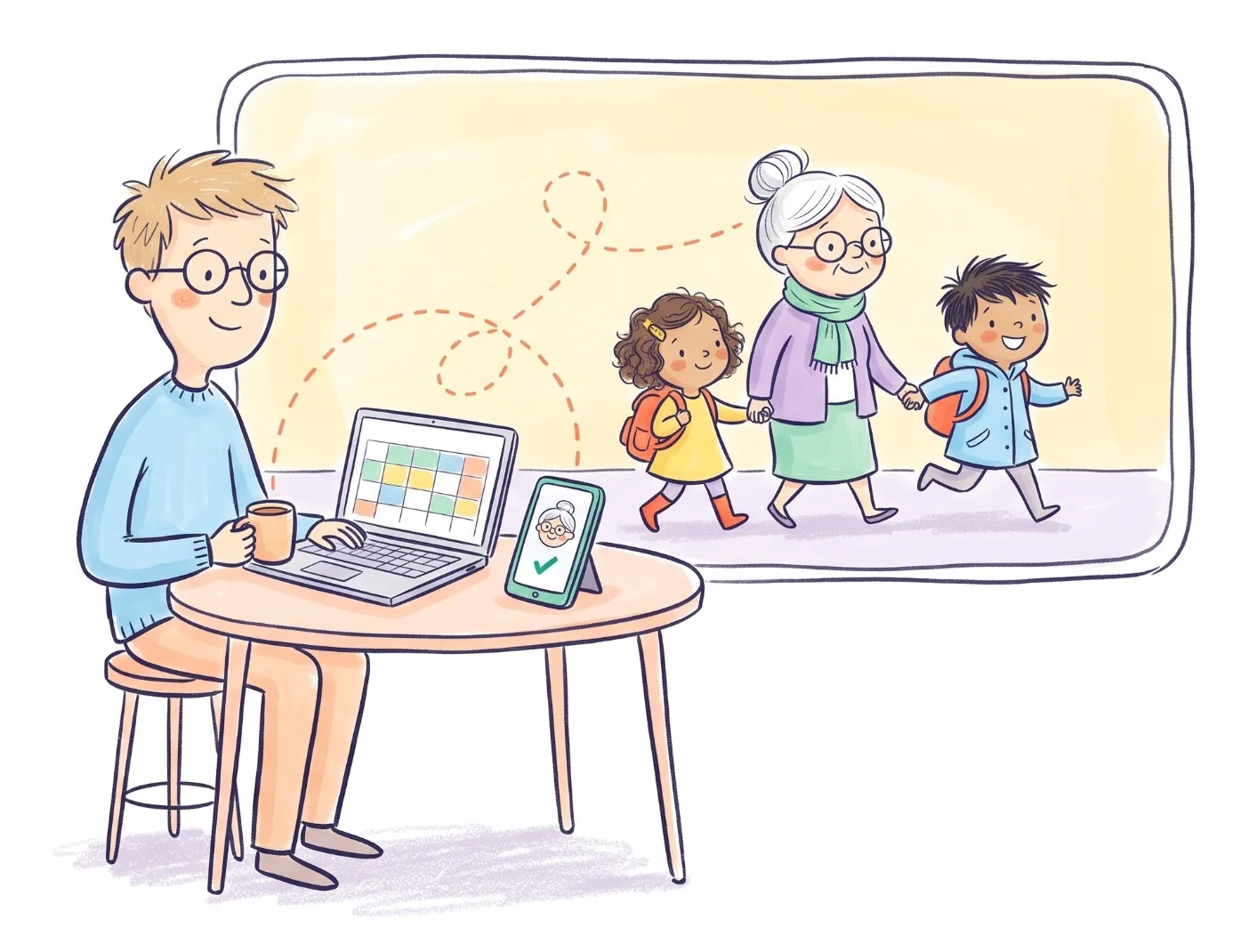
If your family already lives in Google Calendar, keep it. It's free, it works on every phone and computer, and it's very good at saying what is happening and when. Where it runs out is the question families argue about at 2:58 on a Thursday: who is picking the kids up. Kid Pickup was built for that one question, and the two work fine side by side.
The rest of this post is the detail: what each one does well, where Google Calendar gets awkward for pickups, and how to connect them so you aren't keeping two calendars by hand.
What Google Calendar does well
A lot, and for nothing.
- It's free and almost everyone has it. Anyone with a Google account can use it on Android, iPhone or a computer.
- There's a family calendar built in. When you create a family group on Google, a calendar called "Family" is made automatically, and members can add and change events on it (Google Calendar Help).
- Sharing is flexible. You can share any calendar with specific people and choose what they get: free/busy only, the event details, or permission to make changes (Google Calendar Help).
- Invitations have answers. Guests can reply Yes, No or Maybe, the organizer is told, and a guest can propose a new time (Google Calendar Help).
For a household of two parents who mostly need to see each other's week, that may be all you need.
Where it gets awkward for pickups
A pickup is an odd kind of event. Everyone in the family needs to see it, but only one person needs to do it, and the worrying case is the one where nobody has said they will.
Google Calendar has no built-in way to say "this one is Grandma's". You can invite her as a guest and she can tap Yes, but so can the other three people on the invitation, and a Maybe from everyone looks a lot like a plan until 3:10. There's nothing that flags a pickup nobody has said yes to, so it's on you to notice.
Two more things come up a lot with grandparents and sitters:
- Seeing a shared calendar means signing in with a Google account. That's fine for most parents, and harder for an 80-year-old grandmother with an iPad and an email address she checks on Sundays.
- Sharing happens a whole calendar at a time. A sitter you share the family calendar with sees what's on it, dentist appointments and all, at whatever permission level you picked. The usual workaround is a separate "Pickups" calendar, which is one more thing to keep in step.
None of this makes Google Calendar bad. It was built for meetings, where every guest is supposed to turn up. A school run works the other way round.
How Kid Pickup handles the same Thursday
Every pickup in Kid Pickup is a question with one answer: who's doing it?
- One name per pickup. Grandma, the other parent or the sitter taps I'll do it, and their name goes on it for everyone to see. Or they tap Can't make it, and you know straight away.
- Open pickups get noticed. If nobody has taken one, the app sends a nudge to the parents the day before and again on the day, while there's still time to sort it out.
- Each person sees what's theirs. Parents and guardians see the whole week. A sitter sees the pickups that are open or theirs, not the family's appointments.
- Grandma doesn't need to understand calendars. She gets a notification with two buttons. You can even send her a link to one pickup that she can answer without installing anything.
- The rest of the family week lives there too: events that aren't pickups, like the dentist; a To do list for homework and permission forms, which only parents and guardians see; and a family chat with everyone in it.
Side by side
| Google Calendar | Kid Pickup | |
|---|---|---|
| Price | Free | Family plan $5.99/month or $59.99/year after a 14-day free trial. Grandparents and sitters don't pay |
| Works on | Android, iPhone, computer | iPhone only, for now |
| Who's doing a pickup | Guests answer Yes, No or Maybe | One person taps I'll do it and their name goes on it |
| A pickup nobody has | Nothing flags it | The app sends parents a nudge, the day before and on the day |
| Grandparents and sitters | Need a Google account; see whatever calendar you share | Invited into the family; a sitter sees only open pickups and their own |
| Family chat | No | Yes, everyone you invite |
| Homework and forms | Google Tasks, a separate list | A To do list with a reminder the evening before it's due |
| Best at | Seeing everyone's week, meetings, work | Making sure every pickup has a person |
You can use both
Nothing says you have to pick one, and connecting them means nothing gets typed twice.
Kid Pickup into Google Calendar. Your pickups can show up in Google Calendar next to your work meetings. In Kid Pickup, open Events, tap Import, then Add to Your Calendar, and copy the link. In Google Calendar on a computer, click the + next to Other calendars, choose From URL and paste it. Google refreshes it on its own schedule, so a change can take a few hours to appear there. (Step by step in our help centre.)
Google Calendar into Kid Pickup. If the soccer schedule lives in a Google calendar, Kid Pickup can follow it. In Google Calendar on a computer, open the calendar's settings, go to Integrate calendar and copy the Secret address in iCal format (Google Calendar Help). Google asks you not to share that address with other people, and Kid Pickup never shows it back, only the name of the site it came from. In Kid Pickup, open Events, tap Import, then Follow a Team Calendar, paste it and pick the children. New and moved dates come in about once an hour, as open pickups for someone to take. (Follow a team calendar.)
So which one do you need?
Google Calendar on its own is probably enough if it's just the two of you, you both use Google already, and you rarely ask anyone else to do a pickup. It's also the answer if anyone in the family is on Android, since Kid Pickup is iPhone-only for now.
Add Kid Pickup when pickups involve more people than fit in one text thread: a grandparent on Tuesdays, a sitter on Thursdays, a co-parent, a carpool. That's when "who's got it?" stops being obvious, and when a pickup with nobody on it is easy to miss.
If you're comparing other family calendars too, we've looked at the main ones in the best family calendar apps for iPhone. And if you'd like to try the "who's got it?" part for yourself, Kid Pickup is free for 14 days, and it'll happily sit next to the calendar you already have.
FAQ
Can Google Calendar work as a family calendar?
Yes. Creating a family group on Google sets up a shared calendar called "Family", and you can share other calendars with specific people. It shows everyone what's happening and when. What it doesn't do is mark one person as responsible for a pickup or flag one that nobody has said yes to.
Does Kid Pickup sync with Google Calendar?
You can connect them both ways. Kid Pickup gives you a calendar link you can add to Google Calendar, so your pickups show up there. And Kid Pickup can follow a Google calendar from its secret iCal address, adding new and moved dates about once an hour.
Is Kid Pickup free like Google Calendar?
No. Kid Pickup has a 14-day free trial, then the Family plan is $5.99 a month or $59.99 a year in the US. Grandparents, sitters and everyone else you invite don't pay; one subscription covers the family.
Do grandparents need a Google account to use Kid Pickup?
No. They're invited into your family in Kid Pickup, and they can also answer a single pickup from a link you text them, without installing the app.
Is Kid Pickup on Android?
Not yet. Kid Pickup is on iPhone. Google Calendar works on both.