Joan Parker used to find out she was doing Thursday pickup somewhere around message forty of the family group chat, between a photo of the dog and a debate about soccer cleats. Sometimes she said yes and nobody saw it. Once she said yes, and so did her son-in-law, and Leo got picked up twice.
If you're a grandparent who helps with the school run, you'll know the feeling. The help is the easy part. Keeping track of who asked what, and whether anyone heard your answer, is the tiring part. Your family has set up Kid Pickup so each pickup gets one clear question and one clear answer. This is how that looks from your side.
A question with your name on it
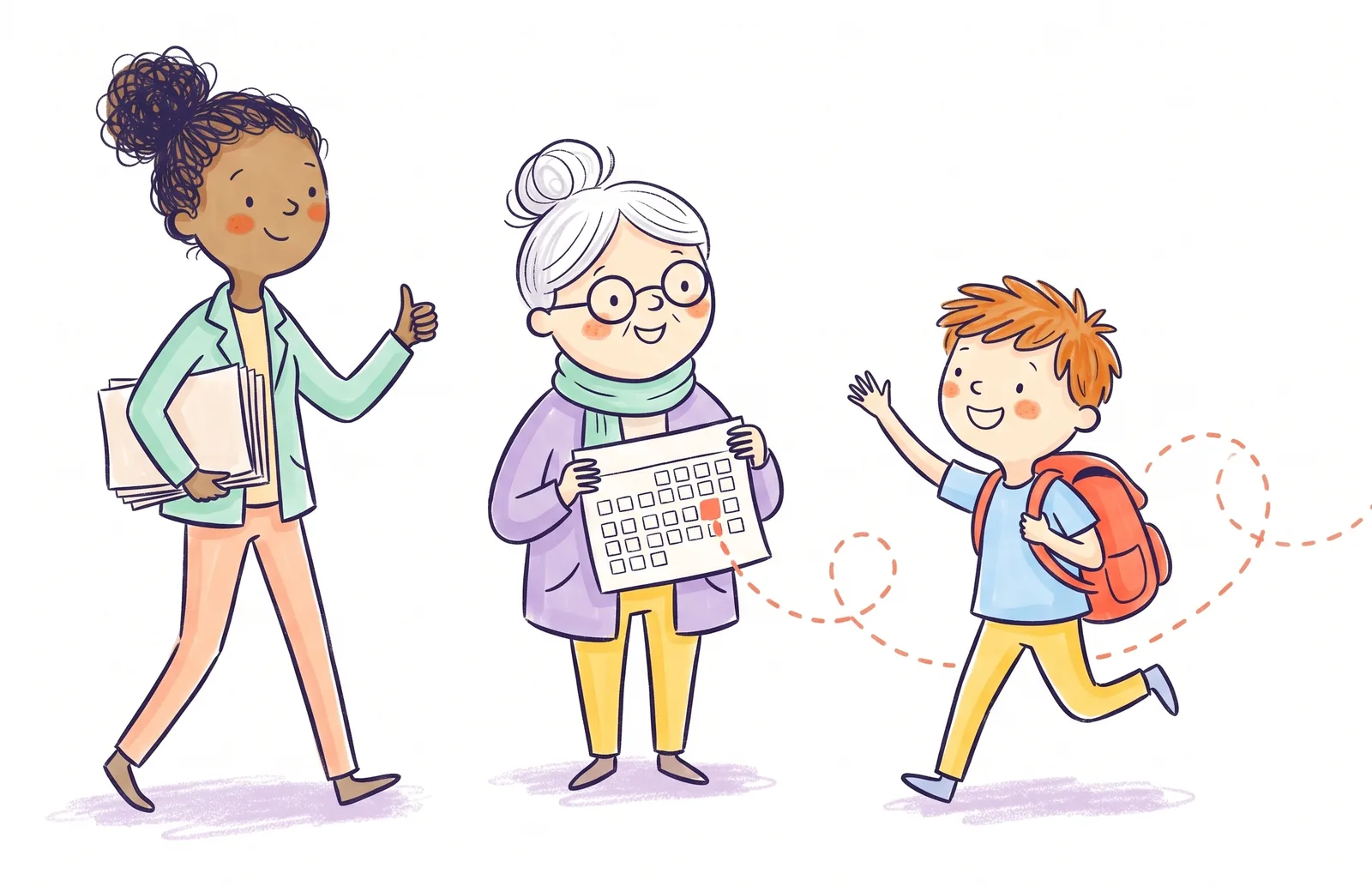
When Maya needs her mother for Thursday, she adds the pickup and asks Joan by name. Joan's phone shows a notification saying she's been asked, with the time, the place and the child.
She has two ways to answer. She can press and hold the notification and tap I'll do it or Can't make it, without opening anything. Or she can open the pickup, where a card says You've been asked to do this one, with Accept and Decline.
Until Joan answers, Maya and Sam see the pickup as waiting on her. When she answers, they're told straight away. Nobody has to scroll back to find out.
Saying no is part of it
The button that says Can't make it is there because no is a perfectly good answer. You might have the dentist, the bridge club or a cold. When you tap it, the family is told at once, while there's still time to ask someone else, and the pickup stays open for them. It doesn't let anyone down. Saying nothing would.
Change your mind later? Open the pickup and tap Actually, I can.
When nobody has been asked yet
Sometimes a parent doesn't ask anyone in particular. The pickup goes out to the family as needing someone, with an I'll do it button. If you can do it, tap it. If two people tap at the same moment, only one gets it, and the other sees who got there first, so there's never a double pickup.
If you'd rather not hear about every pickup that needs someone, you can change that. Open Settings from your own picture at the top left, tap Choose Notifications, and pick Only mine under Which pickups do you want to hear about? You'll still hear about anything you've been asked to do. Grandparents start on Mine, and when someone's needed, and there's an Everything choice for anyone who likes to know it all.
The evening before, and on the day
At 7 p.m. the app sends one notification with tomorrow's pickups and who has each. Anything that's yours says "you". It's a quiet way to know what tomorrow holds without opening the calendar.
Before the pickup itself, a reminder arrives at whatever time the family set on it. Then, at pickup time, the app sends Time for the pickup with an I'm here button. Tap it when you pull up, and the family gets a notification that you've arrived. Once the children are with you, tap Picked up, or Dropped off on a morning run. Maya used to wait at her desk for Joan's text; now the news arrives without Joan typing a word.
If you forget to tap Picked up, the app asks you again 15 minutes later, and once more after an hour. Those reminders go to you alone.
If something comes up after you've said yes
Plans change. If you've taken a pickup and can't do it any more, open it and tap Ask someone else to take this. You can choose one person, perhaps Grandpa Ray, or ask everyone. If you'd rather simply hand it back, tap Cancel My Assignment. Either way the family is told it needs someone, and the app keeps nudging the parents until somebody takes it, so it doesn't slip through.
What you'll see
Grandparents see the family's whole pickup calendar, so you can look at the week ahead whenever you like. Your family can change that on your profile if they'd rather you saw only the pickups that need someone and the ones you're doing. You'll see each child's first name, colour and avatar, and the family's emergency contacts. The children's notes, other people's phone numbers and the parents' work hours stay with the parents, and only parents can add or change pickups.
The app doesn't ask for your location, ever. The family knows you've arrived because you told them.
A few things that help
- Get your name on the school's pickup list if you're not on it yet. The app tells the family who's coming; the office still needs to know you. Who can pick up a child from school explains how that works.
- Agree a regular day if you'd like one. Some grandparents prefer a standing Wednesday to answering ask by ask. Giving grandparents a role in the school run is written for parents, but it's worth reading together.
- Tell them your on-call hours if you're their backup for sick days and early dismissals. Setting up a grandparent as a backup covers what to agree.
- Bring your ID. Many school offices ask for photo ID from anyone they don't know by sight.
New to the app? What to expect when you've been invited covers joining and settings.
FAQ
How do I tell my family I can do a pickup?
Tap I'll do it, either on the notification (press and hold it) or on the pickup in the app. If you were asked by name, tap Accept on the pickup. The family is told straight away that it's covered.
How do I say no to a pickup?
Tap Can't make it on the notification, or Decline on the pickup. The family is told at once and the pickup stays open for someone else. If you change your mind, open it and tap Actually, I can.
Can I stop getting notifications about every pickup?
Yes. In Settings, tap Choose Notifications and pick Only mine. You'll still hear about the pickups you're doing and anything you've been asked to do.
How does my family know I've picked the kids up?
Tap I'm here when you arrive and Picked up once you have the children. The family gets a notification at each step. The app never tracks your location.
What if I've said yes and now can't go?
Open the pickup and tap Ask someone else to take this, then choose a person or ask everyone. Or tap Cancel My Assignment to hand it back. The family is told it needs someone.