
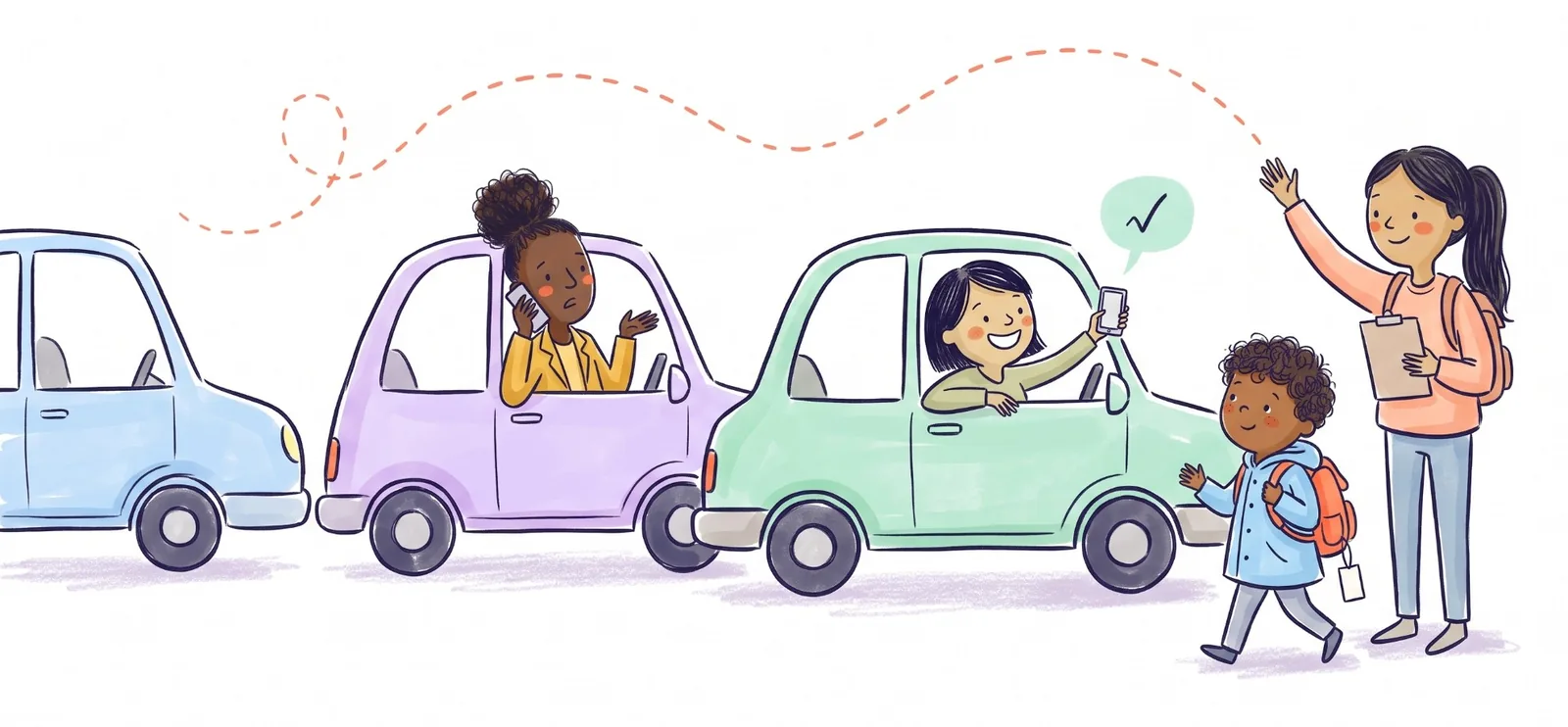
You don't get to choose your school's car line app. The school picks it, the school pays for it, and the parent app is free. In the US the one you're most likely to be handed is Pikmykid. Others you may meet are School Dismissal Manager, Raptor Safe (the parent side of SchoolPass), FetchKids, PickUp Patrol, Silent Dismissal and Kids Pick Up. If a welcome email or a note in the backpack named one of them, that's your app. If nothing came home, your school is probably still on paper hang tags, and there's nothing to install.
What you can choose is how much of your phone you give it, and what you use for the part no car line app handles. Both are covered below.
Which app does what
Ratings are from the US App Store on November 10, 2026. Every one is free to parents.
| App | What a parent does in it | US rating | Listing says it may use location when closed |
|---|---|---|---|
| Pikmykid Parent | Change the pickup plan, announce you've arrived, hand a pickup to another adult, get told when your child is dismissed | 3.7 (939) | Yes |
| School Dismissal Manager | Schedule changes to the usual plan up to two weeks ahead; check in from the line at FastLane schools | 2.5 (83) | Yes |
| Raptor Safe | View and change dismissal plans, authorize someone else to pick up | 2.0 (71) | No |
| FetchKids | Tell the school you're on the way, authorize trusted adults, get pickup alerts | Rating recently reset | Yes |
| Silent Dismissal – Parent Connect | Change today's plan, trigger dismissal when you're near the school (if the school allows it) | 1.4 (68) | No |
| Kids Pick Up | Staff scan your child's QR code to release them to you | 5.0 (5) | No; "Data Not Collected" |
| PickUp Patrol | Change the dismissal plan, from a web login rather than an App Store app | Not in the App Store | Not applicable |
Don't read too much into the low ratings. Nobody downloads a car line app because they wanted one, and a slow first week of school ends up in the reviews whatever the app's fault was.
Pikmykid, the one most parents get
Pikmykid is the app with the most ratings by far. Darien Public Schools in Connecticut, for example, says it is "replacing School Dismissal Manager at all elementary schools" (dismissal information).
You link to your children with a Parent Connection Code from the school, then set how each child goes home. On the day, you press a green Announce button when you reach the line, and staff bring your child out (parent guide). There's also Auto Announce, which does it for you as you arrive. For that, Pikmykid's support page tells you to set location to "Always", and says your location "is only checked when you enter or exit the school's geofence area" (parent support). A family without a smartphone can ask the school for a printed car tag instead (FAQ).
Some schools use the app and the tag together. Ann Whitney Elementary in Hamilton, Texas asks parents to "use the Pikmykid app and display their car tags" so the dismissal team can see them (school announcement). Ask before you throw the tag away.
The others, briefly
School Dismissal Manager calls itself the "SDM Carline App for Parents". Its strength is planning ahead: you can put in an exception for any day in the next two weeks, and it reminds you. At schools that turn on FastLane, checking in from the driveway is what calls your children from class.
Raptor Safe is where SchoolPass families now land. It's the parent side of Raptor's dismissal system: see the plan, change it, add the adults who may collect.
FetchKids lets you tell the school you're on your way, and its developer says it uses GPS for that. The school has to set up your account before you can sign in.
Silent Dismissal is the only one with anything to buy: an optional $1.99 "All Access" upgrade. You don't need it to change today's plan.
Kids Pick Up is built around a QR code. A teacher scans it to release your child to the right adult.
PickUp Patrol has no App Store app. Parents use it through a web login on a phone or computer, and the office sees changes on a live dashboard instead of calling classrooms.
About "Always" location
The car line is the one place where an app knowing you're close is genuinely useful. Staff can have your child at the door before you reach the cone. It's why these apps ask at all.
Still, the setting is yours. Pikmykid, School Dismissal Manager and FetchKids all have App Store listings that say the app may use your location even when it isn't open. With Pikmykid, the manual Announce button does the same job as Auto Announce. It costs one tap in the line, and you can leave location on "While Using" or off. On an iPhone it's under Settings, then the app's name, then Location. We wrote more about why school pickup apps use your location.
If your school just sent you one
- Install the app the school named, not a similar-looking one. Several have near-identical names.
- Link your children with the code the school gave you. If it won't link, the office usually has a different phone number or email on file for you.
- Set the default for each child: car, bus, walker, after-care.
- Add everyone who might collect: the other parent, grandparents, the sitter. Each of them is usually a pickup person in the app as well as on the school's list. Our guide to who can pick up your child from school covers what schools ask for.
- Keep the paper tag in the car until the school says you don't need it.
If you've never done a car line, how the school car line works walks through it from the turn-in to the exit.
What none of them can tell you
Every app above answers the school's question: is the right adult in the line for this child? None of them answers the one your family argues about at 2:30: who is going today?
Kid Pickup answers that one. It isn't a dismissal system and it doesn't talk to your school's app. It sits on your side. Each pickup in the week has one name on it, the other parent or Grandma can say I'll do it or Can't make it straight from the notification, and a pickup nobody has taken gets a nudge to the parents while there's still time to sort it out. It never asks for your location. Keep the school's app for the line, and use Kid Pickup to decide whose car is in it. It's free for two weeks on iPhone for new subscribers.
FAQ
What is a car line app?
It's the app a school uses to run afternoon dismissal. Parents set how their child goes home and announce when they reach the car line, and staff use a dashboard to bring the right child out. Pikmykid, School Dismissal Manager, Raptor SchoolPass and FetchKids are common examples.
Do I have to pay for my school's dismissal app?
No. The school chooses and pays for it, and the parent app is free. Silent Dismissal is the only one we found with an optional in-app purchase, a $1.99 upgrade you don't need for everyday changes.
Does Pikmykid track my location?
Only if you turn on Auto Announce, which needs location set to "Always". Pikmykid says it checks your location only when you enter or leave the school's geofence. You can skip it and press Announce when you arrive.
Can a grandparent use the car line app?
Usually yes. Most of these apps let a parent add or authorize another adult, who gets their own access, and they still need to be on the school's pickup list. Some schools also want a paper car tag in their car.
Which school dismissal apps work in Canada?
Pikmykid, School Dismissal Manager, Raptor Safe, FetchKids and Kids Pick Up are all on the Canadian App Store, but we couldn't confirm that any Canadian school uses one. The Canadian Kiss & Ride rules we've read ask for a tag and patience, not an app.